
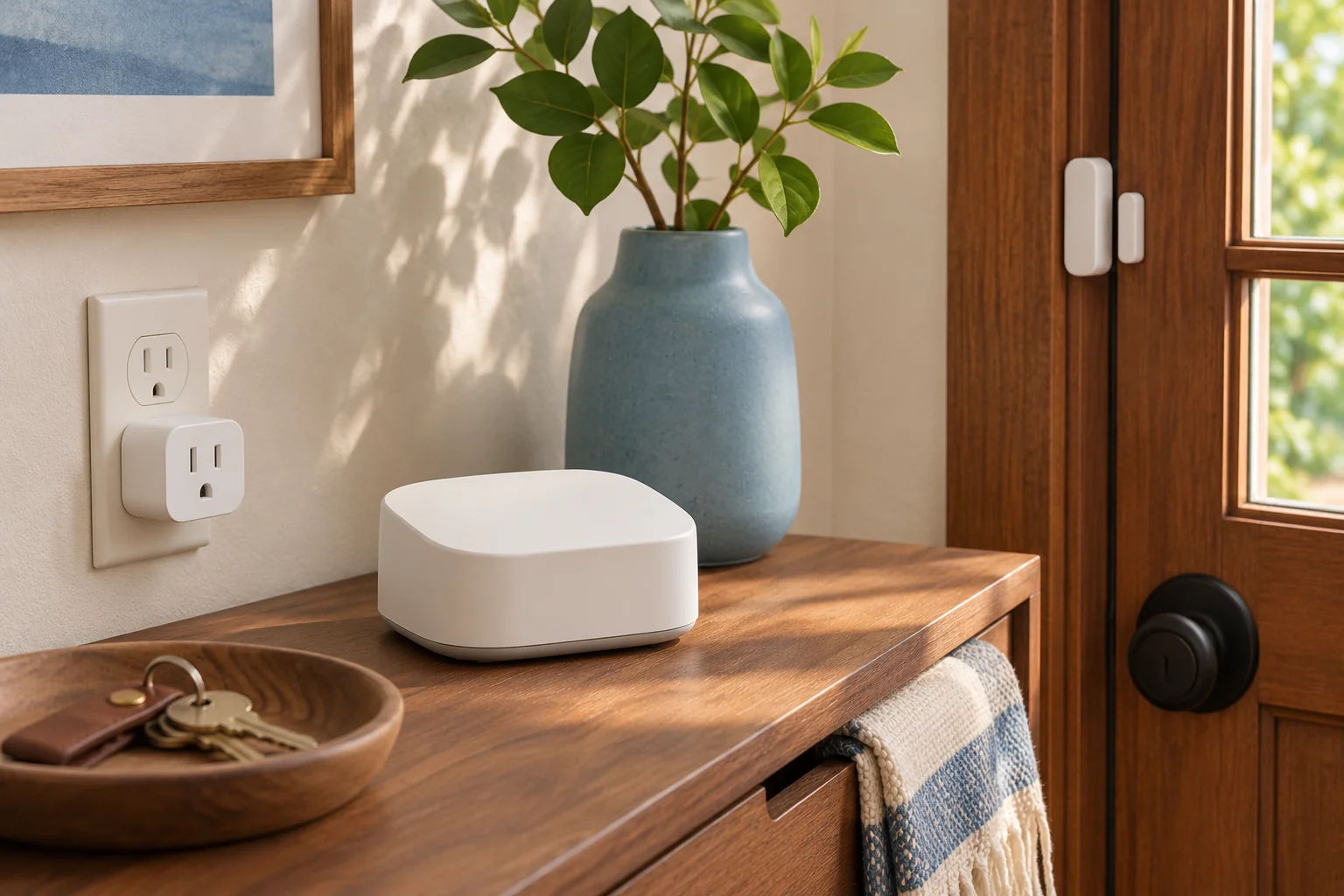
Before buying a smart home device, check your app, the network the device joins and the features you need. Matter gives compatible devices and apps a common way to communicate. Thread and Wi-Fi are ways for the device to join your home network. A Matter-over-Wi-Fi plug needs suitable Wi-Fi and whatever Matter controller your platform requires. A Matter-over-Thread sensor usually also needs a compatible Thread border router. One hub can fill both roles. Connectivity Standards Alliance’s Matter FAQ
Matter vs. Thread vs. Wi-Fi
- Matter handles commands and device status. A smart plug and your home app can use Matter to exchange commands such as “turn on.” A Wi-Fi device can also use a manufacturer’s own integration, so look for explicit Matter support if that’s how you want to connect it. Matter can also run over Ethernet. Bluetooth Low Energy can help with setup, while the device uses its supported home network for everyday communication. Matter FAQ
- Thread is a low-power wireless mesh. It suits devices such as battery-powered contact sensors that send small updates. Some powered Thread devices can relay traffic. A battery-powered sensor usually leaves that job to other devices. Thread Group’s Matter and Thread FAQ
- Wi-Fi uses your existing wireless network. For a Matter-over-Wi-Fi device, check which band the model requires and whether there’s coverage where you’ll use it. A plug that specifies 2.4 GHz needs that band available, even if your router also offers 5 GHz. TP-Link’s Tapo P125M specifications
Do you need a Matter hub or a Thread border router?
A Matter controller adds devices to a platform and lets you control them through that platform. A Thread border router connects the Thread mesh to the rest of your home network so controllers can reach Thread devices. A smart speaker, display or router may provide one or both functions. Look up its exact model and generation in your platform’s support list. Thread Group’s border router explainer
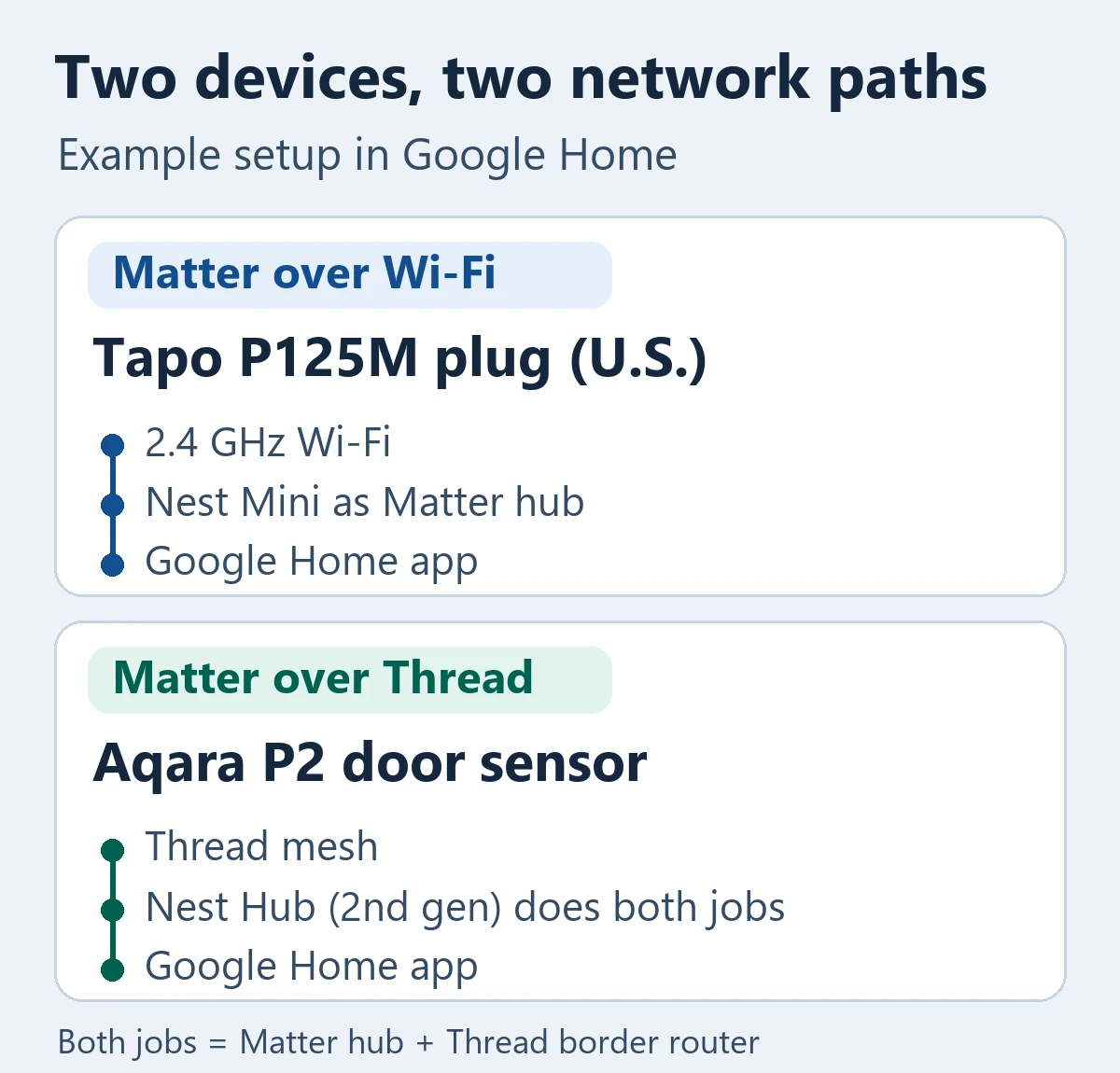
Google lists the Nest Mini as a Matter hub for Wi-Fi devices. The Nest Hub (2nd gen) can serve as both a Matter hub and a Thread border router. If you already own the second-generation display, set it up in Google Home before shopping for a separate Thread border router. Google’s support list distinguishes it from the first-generation Nest Hub, which supports Matter over Wi-Fi. Google’s Matter hub compatibility list
Apple Home has its own setup rules. Apple documents adding and controlling Matter accessories without a home hub on iPhones running iOS 18 or later. It also documents local control of Thread accessories on supported Thread-enabled iPhones. If you need remote access, notifications or automations for a Thread accessory, check Apple’s home hub or compatible border router requirements before buying. Apple’s Matter pairing guide · Apple’s Thread setup guidance
Two smart home purchases, two different setup checks
A plug for a lamp. The U.S. Tapo P125M is a Matter-over-Wi-Fi plug that requires 2.4 GHz Wi-Fi. If Google Home is your platform and you already have a Nest Mini set up as a hub, you have the Matter hub role covered for this example. Check the model sold in your country, the socket type and the plug’s listed electrical rating before ordering. TP-Link U.S. product specifications
A sensor that reports whether a door is open. The Aqara Door and Window Sensor P2 uses Matter over Thread. In a Google Home setup with only a Nest Mini, you still need compatible Thread border router functionality for the P2. A Nest Hub (2nd gen) can cover both roles. If your goal is a notification or an automation when the door opens, verify that specific behavior in your chosen app before you buy. Aqara P2 requirements · Google Home’s supported Matter device types
Will Matter keep your existing devices and features working?
Check for a Matter bridge before replacing older gear. A bridge can expose supported devices that use another protocol to a Matter platform. Philips Hue, for example, documents Matter integration through its Hue Bridge or Bridge Pro for supported Hue devices. If you use an older Hue light in Bluetooth-only mode, check whether it can join a supported bridge and confirm any exceptions for your accessory. Philips Hue’s Matter compatibility notes
Check the feature in the app where you want to use it. Matter’s multi-admin feature can share a device with more than one compatible platform. Each platform still decides which controls it exposes, and the manufacturer’s app may offer extra settings. Also check which features depend on the internet. Google Home, for example, documents local Matter commands at home and a cloud connection for control while you’re away. Matter FAQ · Google Home’s guide to local and remote control
Smart home compatibility checks before you buy
Open the check that matches the listing you’re looking at.
The box says Matter over Wi-Fi. What do I check?
Confirm your app supports that device type, check whether the app requires a Matter hub, and verify the Wi-Fi band at the installation spot.
The box says Matter over Thread. What do I check?
Check your platform’s requirements for a Matter controller and a compatible Thread border router. Look up your hub by exact generation, since a single device can fill both roles.
The listing says “works with Matter” through a bridge. What do I check?
Check the maker’s list for your exact accessory, bridge model and firmware. Then verify that your home app exposes the feature you’re buying it for.
Copy this line into a shopping note and fill it in for each device.
Exact model and country version / Home app / Wi-Fi, Thread, Ethernet or bridge / Required hub and firmware / Feature I need / Confirmed in the manufacturer’s and platform’s docs
If the listing only says “smart” or “Matter-ready,” look up the exact model in the Alliance’s certified products directory and the maker’s setup docs. For a compatibility claim you got from a shopping chatbot, use Tech-Play’s guide to fact-checking AI answers to trace it back to the exact device and platform.