The internet is changing again.
For many years, using the web meant opening a browser, typing something into Google, clicking through websites, reading pages, comparing options, and doing the work yourself. That is still normal today, but a new type of technology is starting to change this routine: AI browsers and AI agents.
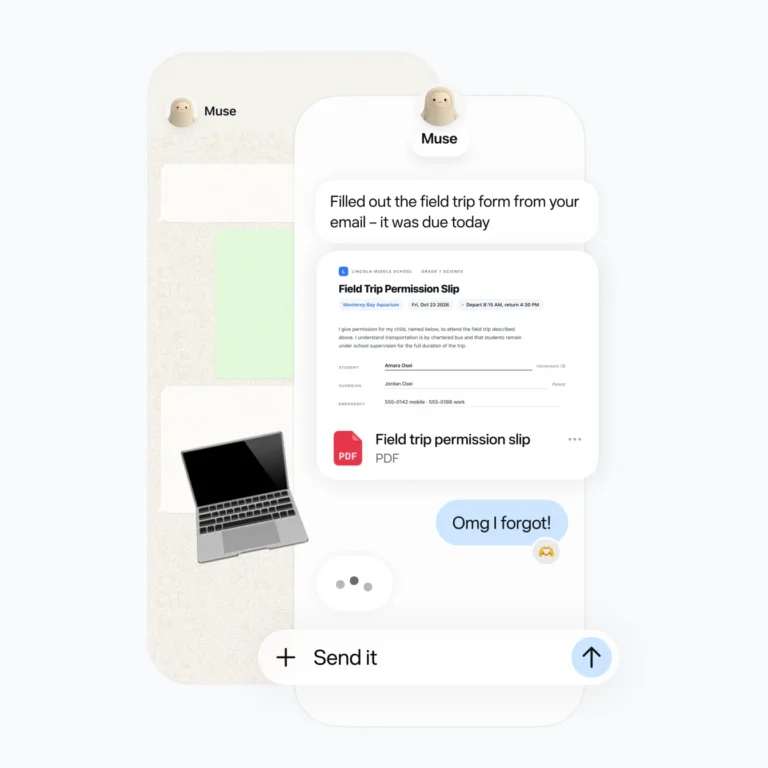
These tools are not just normal chatbots. They are becoming digital assistants that can understand websites, summarize information, compare results, fill forms, help with research, and sometimes even take actions for the user. Google has already introduced AI models that can use a browser interface in a more human-like way, while Microsoft has been adding stronger AI features into Windows and Copilot. (The Verge)
For normal users, this sounds exciting. For website owners, bloggers, developers, and online businesses, it is even more important. The way people discover websites could slowly change. Search engines may no longer be the only entry point. In the future, users might ask an AI assistant to “find me the best simple browser games,” “compare free productivity tools,” or “explain this technology topic,” and the AI may decide which websites are worth showing.
That means one thing: websites need to become more useful, more trustworthy, and easier for both humans and AI systems to understand.
Tech-Play is built around digital tools, simple games, and technology topics. That makes this shift very relevant. AI browsers and AI agents could become one of the biggest changes in how people use the internet over the next few years.
What Is an AI Browser?
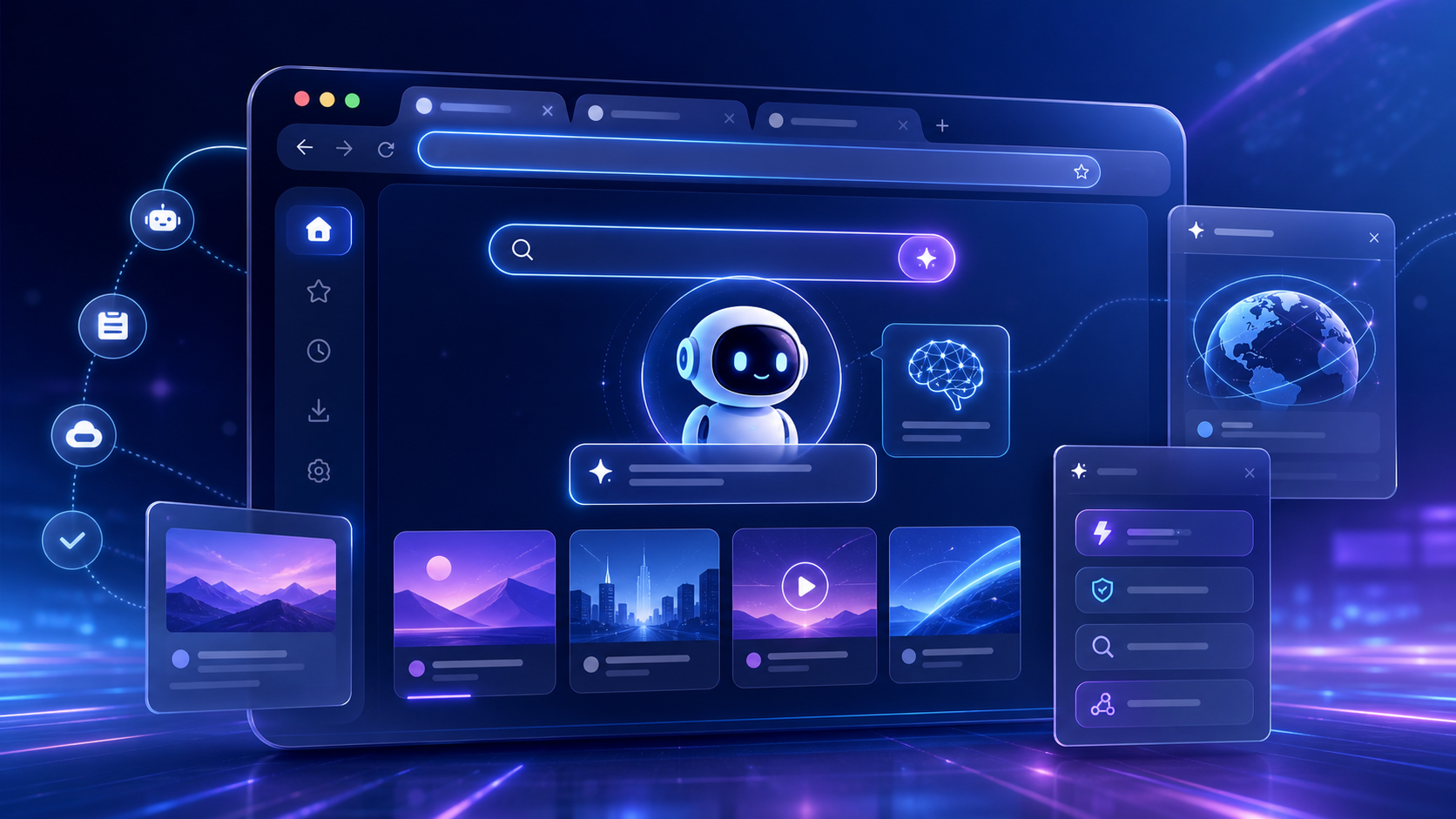
An AI browser is a web browser with built-in artificial intelligence features. Instead of only showing websites, it can help users understand, organize, and interact with online content.
A normal browser waits for you to do everything. You search, open tabs, read, compare, copy, paste, and decide. An AI browser can assist with parts of this process.
For example, an AI browser may help you:
- summarize a long article
- compare products or tools
- explain difficult words
- organize open tabs
- find information inside a webpage
- help write emails or messages
- automate simple website tasks
- recommend the next step
Some AI browser tools are already focused on automation. Perplexity Comet, ChatGPT Atlas, Microsoft Edge with Copilot features, and other AI-first browsers have been discussed as part of this new browser generation. (Zapier)
The big idea is simple: the browser is no longer only a window to the web. It becomes an assistant inside the web.
What Is an AI Agent?
An AI agent goes one step further.
A chatbot usually answers your question. An AI agent can try to complete a task.
For example, instead of asking:
“What are some good free games?”
You might ask:
“Find me three free browser games that work well on mobile, compare them, and open the best one.”
An AI agent could search, visit websites, check results, compare options, and return a recommendation.
This is why many people in technology are paying close attention to agents. They could change how we search, shop, work, learn, and play online.
Google’s Gemini computer-use model is one example of this trend. It can interact with websites through a browser-like interface, using actions such as typing, clicking, and navigating pages. (The Verge)
That is a major difference from older AI tools. The AI is not only reading text. It is starting to interact with software.
Why AI Browsers Matter for Everyday Users
For normal internet users, AI browsers can save time.
Imagine you are planning something simple, like finding a new free game to play during a break. Today, you may search Google, open five pages, close popups, compare results, and test different links.
With an AI browser, you could simply ask:
“Find me a simple relaxing browser game that works on mobile and does not need installation.”
The AI could help filter the options faster.
The same applies to many everyday tasks:
- finding information
- learning a new topic
- comparing tools
- reading technical guides
- understanding website content
- summarizing news
- discovering useful websites
This is especially useful because the internet is full of information, but not all of it is helpful. AI browsers may help reduce noise.
But there is also a risk. If users rely too much on summaries, they may visit fewer websites directly. That means website owners need to create content that AI tools can clearly understand and that users still want to open.
Why AI Agents Matter for Website Owners
For website owners, AI agents are both an opportunity and a warning.
The opportunity is that high-quality websites may become more valuable. If an AI assistant wants to recommend useful pages, it will likely prefer content that is clear, structured, helpful, and trustworthy.
The warning is that thin content may lose value. A page with only a few sentences, no real information, and no clear purpose may not be attractive to users or AI systems.
This is why modern websites should focus on:
- helpful guides
- clear page structure
- simple language
- strong titles
- useful internal links
- fast loading speed
- trust signals
- original explanations
- fresh and updated content
For Tech-Play, this is a good direction. A website with simple games, useful tech guides, and beginner-friendly explanations can perform well if the content is built properly.
The goal should not only be: “get a click.”
The better goal is: “make the visitor stay, read, play, explore, and come back.”
That is also good for advertising-based websites because longer visits, more page views, and better engagement can support the business model.
The Web Is Moving From Search to Assistance
For years, the main internet journey looked like this:
- Search something.
- Click a result.
- Read the page.
- Go back.
- Click another result.
AI changes this journey.
Now, the user may ask an assistant directly. The assistant may search, summarize, compare, and recommend. Microsoft has described this larger shift as part of an “AI web,” where apps, websites, search, and assistants become more connected. (about.ads.microsoft.com)
This does not mean websites will disappear. Good websites will still matter. But the way people reach them may change.
Instead of only ranking for Google search, websites may also need to be understandable for AI assistants.
This is sometimes called GEO, or Generative Engine Optimization. It means optimizing content so that AI systems can understand, summarize, and possibly recommend it.
Classic SEO is still important. But in the future, websites may need both:
SEO for search engines.
GEO for AI assistants.
What Makes a Website AI-Friendly?
An AI-friendly website is not only about technical tricks. It is mostly about clarity.
AI systems understand pages better when the content is well organized. A messy page with unclear headings, random text, and no structure is harder to understand.
A good AI-friendly page should have:
1. Clear Titles
The page title should explain exactly what the page is about.
Bad title:
New Technology Update
Better title:
AI Browsers Explained: How Smart Browsers Are Changing the Internet
2. Strong Introductions
The first section should quickly explain the topic. Users and AI tools should understand the purpose of the page within a few seconds.
3. Helpful Headings
Headings should guide the reader through the page. They should not be vague.
Good examples:
- What Is an AI Browser?
- How AI Agents Work
- Why This Matters for Website Owners
- What Users Should Watch Out For
4. Real Explanations
AI-generated text that says a lot but explains nothing is not enough. A good article should give examples, comparisons, and practical meaning.
5. Internal Links
A strong website connects related pages. For example, Tech-Play could connect this article to:
- free browser games
- beginner tech guides
- AI tool explanations
- website performance guides
- digital productivity tools
Internal links help users stay longer and help search engines understand the website structure.
AI Browsers Could Change Online Gaming Discovery
For Tech-Play, one interesting angle is browser games.
Today, many users search for things like:
- free browser games
- mobile browser games
- simple online games
- endless runner game
- no download games
- casual games online
In the future, AI assistants may become part of game discovery.
A user might ask:
“Find me a quick game I can play for five minutes.”
Or:
“Show me a simple endless runner game that works on my phone.”
If Tech-Play has clear game pages, good descriptions, fast loading, and mobile-friendly design, AI systems may better understand what the site offers.
That means every game page should include more than just the game iframe.
A good game page should have:
- a short description
- how to play
- controls
- mobile support information
- similar games
- FAQ section
- related articles
- clean layout
This can increase user time on page and make the page more useful.
AI Agents and Trust: The Big Challenge
AI agents are powerful, but they also create new questions.
Should an AI agent be allowed to click buttons for you? Should it fill forms? Should it buy something? Should it log into accounts? Should it make decisions?
These are important questions because AI agents can make mistakes. They may misunderstand a website. They may click the wrong thing. They may trust bad information.
That is why trust and permissions will become very important. Microsoft has said some of its newer AI action features work with user authorization and limited permissions. (Reuters)
For users, the best rule is simple:
Use AI agents for help, but keep control over important actions.
AI can summarize, compare, and suggest. But for payments, private information, legal topics, health topics, or business decisions, users should still review carefully.
Will AI Replace Websites?
No, but it may change the role of websites.
Websites will still be needed because AI needs sources. It needs information to read, compare, and recommend. But websites with poor content may become less visible.
The future may reward websites that are:
- useful
- trustworthy
- fast
- clear
- regularly updated
- easy to navigate
- good on mobile
- focused on real user value
This is good news for smaller websites too. A small website can still compete if it provides better explanations, better tools, or a better user experience than larger but weaker pages.
For Tech-Play, the strategy should be simple:
Create useful technology content, add fun interactive pages, improve mobile experience, and build topic clusters around what users already search for.
Practical Examples of AI Browser Use
Here are some simple examples of how people may use AI browsers in daily life.
Example 1: Learning a New Topic
A user opens an article about AI agents and asks:
“Explain this like I am a beginner.”
The AI summarizes the page in simple language.
Example 2: Comparing Tools
A user asks:
“Compare these three AI tools and tell me which is best for a student.”
The browser reads multiple pages and creates a comparison.
Example 3: Playing Games
A user asks:
“Find a simple game that works without download.”
The AI browser searches and opens a playable browser game.
Example 4: Productivity
A user asks:
“Summarize my open tabs and create a to-do list.”
The AI browser organizes information from different pages.
Example 5: Website Research
A blogger asks:
“Find trending technology topics I should write about.”
The AI helps collect ideas and search trends.
These examples show why AI browsers are not just another small feature. They could become a normal part of internet use.
What Tech-Play Readers Should Know
AI browsers and AI agents are still developing. Some tools are impressive, but not perfect. They can help with research, learning, and navigation, but users should not blindly trust every result.
The best approach is balanced:
Use AI to save time.
Use your own judgment for final decisions.
For website owners, the message is also clear:
Do not build pages only for algorithms. Build pages that actually help people.
The websites that win in the AI era will likely be the ones that combine good content, good structure, and good user experience.
How Websites Can Prepare for the AI Web
Here are practical steps every website owner can start with.
1. Write Better Guides
Longer, useful guides can bring organic traffic and keep users on the page. A good guide should answer the real questions users have.
For example:
- What is this technology?
- Why does it matter?
- How does it work?
- What are the benefits?
- What are the risks?
- What should beginners know?
2. Add FAQ Sections
FAQ sections are useful for users and search engines. They also help AI systems understand the page clearly.
3. Improve Internal Linking
Every article should guide the user to another useful page. This increases page views and keeps visitors on the website longer.
4. Make Pages Fast
AI or no AI, users leave slow websites. Speed matters especially on mobile.
5. Keep Content Updated
Technology changes fast. A guide from 2023 may feel old in 2026. Updating content helps keep it relevant.
6. Create Topic Clusters
Instead of writing random articles, create connected groups of pages.
For example, Tech-Play could build a cluster like:
- AI Browsers Explained
- Best Free AI Tools for Beginners
- How AI Is Changing Online Games
- What Are AI Agents?
- How to Use AI Safely
- Future of Browser Games
This gives the website topical authority.
The Future: Websites, Games, and AI Together
The most exciting future is not AI replacing the web. It is AI making the web easier to use.
A good website can become more powerful when users can discover it through search engines, AI assistants, social media, and direct visits.
For Tech-Play, this creates many opportunities:
- simple browser games
- AI tool guides
- beginner technology articles
- interactive web tools
- useful explainers
- mobile-friendly content
- fun digital experiences
The mix of technology and play is strong because people do not only want serious information. They also want simple, useful, and enjoyable online experiences.
That is exactly where Tech-Play can grow.
Conclusion
AI browsers and AI agents are one of the most important technology trends right now. They are changing how people search, learn, work, and interact with websites.
For users, they can save time and make the internet easier to use.
For website owners, they create a new challenge: content must be clearer, more helpful, and more trustworthy than before.
The future of the web will not only be about ranking in search results. It will also be about being useful enough that humans and AI assistants both understand the value of your website.
AI is changing the internet, but the main rule stays the same:
The best websites help people.
And that is the direction Tech-Play should continue to follow.
FAQ
What is an AI browser?
An AI browser is a web browser with built-in artificial intelligence features. It can help summarize pages, answer questions, compare information, organize tabs, and sometimes automate online tasks.
What is an AI agent?
An AI agent is a system that can take steps toward completing a task. Instead of only answering a question, it may search, click, compare, fill forms, or interact with websites.
Are AI browsers safe?
AI browsers can be useful, but users should be careful with private data, payments, accounts, and important decisions. AI can make mistakes, so human review is still important.
Will AI browsers replace Google Search?
Not completely. Search engines will still matter, but AI assistants may become a bigger part of how people discover information online.
Why does this matter for websites?
Websites need to be clear, helpful, fast, and trustworthy. AI systems may prefer content that is well structured and easy to understand.
How can a website prepare for AI search?
A website can prepare by publishing useful guides, improving page structure, adding FAQ sections, using clear headings, improving speed, and building strong internal links.