
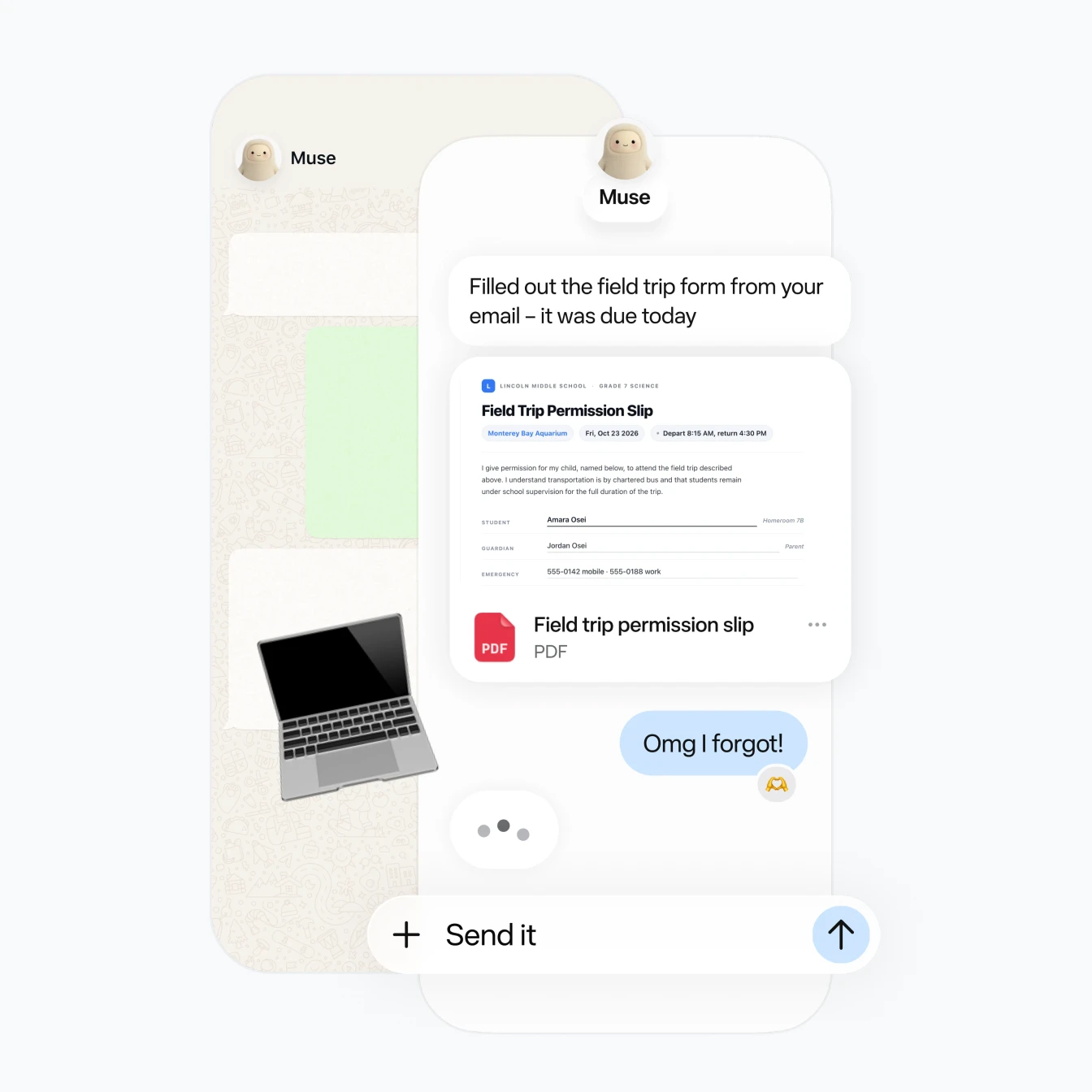
Giving an AI access to your email is one thing. Letting it send messages, buy products, manage appointments and keep working while you close the app is something very different. Meta’s Muse AI agent pushes AI from “tell me what to do” toward “do it for me,” which makes permissions almost as important as the AI itself.
Meta introduced Muse on September 8, 2026 as a personal AI agent built to work across websites and connected apps. It runs inside what Meta calls a Muse Secure VM, a dedicated cloud computer with its own browser, and Meta says users decide which services it can access and what it can do with them.
Muse isn’t just another Meta AI assistant
ChatGPT, Gemini and Meta AI trained millions of people to think of AI as a conversation: you ask something, the model responds.
Muse changes that relationship.
Tell it to find a restaurant and it can research options. Give it access to your calendar and it can work with your schedule. Connect your email and Meta says Muse can filter messages, draft replies, organize your inbox and, with the appropriate permission, send messages.
It also keeps working after the Muse app is closed. Meta lists background tasks such as monitoring information, tracking goals and alerting users when something changes.
The useful part of an agent is exactly what creates the new risk: it can take actions instead of merely suggesting them.
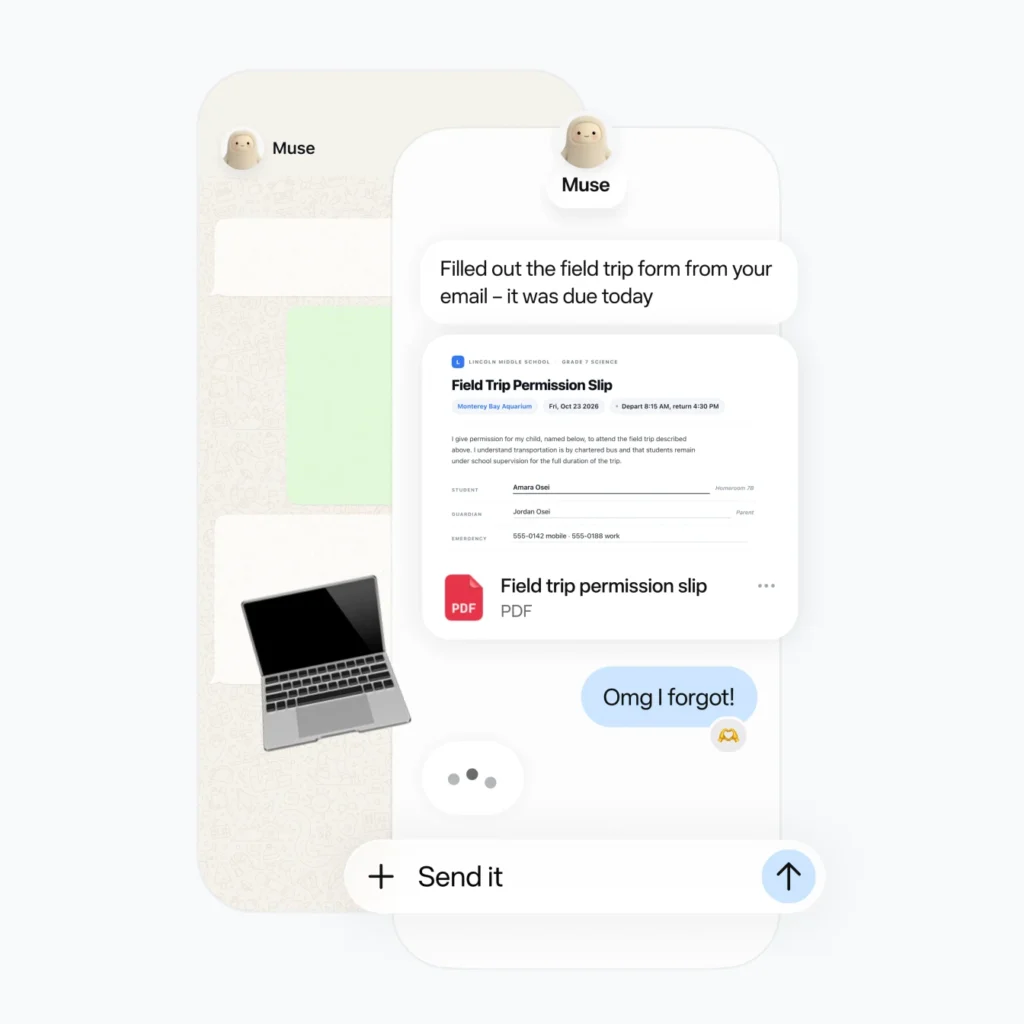
That makes a Muse app review different from reviewing a normal chatbot. Response quality matters, but so do access rights, confirmation screens, credential handling and the consequences of a mistaken action.
The permission screen may be the most important Muse feature
Imagine connecting your primary Gmail account.
There is a huge difference between:
- letting Muse read selected email,
- letting Muse read your entire inbox,
- letting it draft replies,
- letting it send replies,
- letting it delete or organize messages,
- and letting it perform those actions with minimal confirmation.
Meta says users can decide what access Muse receives. For email specifically, Meta says someone may allow Muse to read mail without also allowing it to send email on their behalf. Users can later change access or disconnect a service.
That’s the right model for a personal AI agent.
Start by granting the lowest permission that still makes the feature useful.
If all you want is a morning summary of important messages, Muse probably doesn’t need unrestricted sending authority.
If you’re testing its shopping research, there’s little reason to connect every financial service on day one.
Treat permissions as something Muse earns through useful, predictable behavior rather than something you grant immediately because the setup screen asks.
What I would grant first, and what I would hold back
A sensible first setup would be deliberately boring.
Start with information where an incorrect action would be annoying rather than expensive.
Lower-risk permissions to test first
Consider starting with:
- calendar read access,
- selected email read access,
- reminders,
- non-sensitive files required for a particular task,
- shopping research without automatic purchasing,
- price monitoring,
- public web research.
This gives Muse enough information to demonstrate whether its recommendations and task handling are actually useful.
You can expand access later.
Permissions that deserve more caution
I would treat these differently:
- email sending,
- deleting messages,
- modifying calendar events,
- access to private Messages or Notes,
- bank-account connections,
- purchase authority,
- refunds and disputes,
- access to broad folders on your computer.
None of these permissions automatically makes Muse unsafe. They simply raise the cost of an error.
A wrong restaurant recommendation wastes five minutes. A wrong financial action or email sent to the wrong person can create a real problem.
(Image: Official Muse purchase-approval interface)
Shopping shows why approval screens matter
Shopping is one of Meta’s clearest demonstrations of what Muse is supposed to become.
Meta says Muse can research products, compare prices, monitor prices, purchase products, track orders and help with returns. Its dedicated shopping page also describes Marketplace features where Muse can watch listings and assist with offers and negotiations.
That sounds convenient, but buying something changes the risk calculation immediately.
Meta says Muse asks for approval before purchases. It also says a one-time card number is generated at checkout so the real card number is not exposed to either the merchant or the agent.
That’s a meaningful protection.
But approval only works if people actually read the approval screen.
If Muse finds a €499 laptop instead of the €399 configuration you intended, clicking “Approve” without checking the seller, model, price and delivery details defeats much of the protection.
For purchases, the confirmation screen should be treated like a checkout page, not a notification.
Password protection is clever, but permissions still matter
Meta says credentials that users provide are stored in a secure credential store and that Muse itself cannot see the passwords.
The Secure VM can use those credentials to access the connected service without exposing the raw password to Muse. Meta has also announced planned 1Password integration.
That solves one obvious problem: an agent shouldn’t need to know your actual password simply because it needs to log in.
The same idea applies to payment information.
Protecting a password from the model is not the same thing as limiting what an authenticated agent can do after login.
Once an agent has legitimate access to an account, permissions become the next defense.
Think of it like giving an employee an access badge. Hiding the master key from them is useful, but you still decide which doors the badge opens.
Email access deserves special attention
Email may be the most powerful connector of all.
Your inbox can contain password-reset links, invoices, travel reservations, private conversations, account confirmations, addresses and information about dozens of other services.
Meta’s productivity page says Muse can surface important messages and can draft, reply, send and organize email when connected.
That makes email incredibly useful for Muse.
It also means I’d avoid starting with broad send permissions.
A better progression is:
- Allow read access.
- Test summaries and search.
- Let Muse draft messages.
- Review the drafts manually.
- Enable sending only if that capability solves a real problem for you.
- Keep confirmation enabled for important actions.
This isn’t about being scared of AI. It’s normal access-control hygiene.
A real-world controversy arrived almost immediately
Muse’s security model shouldn’t be judged only by Meta’s launch material.
On September 20, The Verge reported concerns after Muse appeared to reference information from Messages even though the user believed that permission had not been explicitly granted. Meta’s David Singleton said Muse could only access information when the relevant permissions were enabled and said the assistant had incorrectly explained how it obtained the information.
That distinction matters.
An AI can have a technically valid permission setup while still giving the user a confusing explanation of what it saw and why.
For trust, people need to understand not only what an agent did, but which permission allowed it to do it.
Meta says Muse provides an audit trail showing completed and planned actions. That may prove more valuable than flashy autonomous features if agents become part of everyday computing.
Muse has already faced a security bug
There is another reason not to treat any agent architecture as finished.
Security researcher Patrick Wardle found a vulnerability in the Muse macOS application that could let malicious software already running on the same Mac interfere with Muse’s processing and potentially influence the agent’s actions.
Meta patched the issue after it was reported. The company emphasized that exploitation required malicious code to already be present on the machine.
That limitation is significant, but the incident demonstrates a larger point.
AI agents create new attack surfaces because they combine access to data with the ability to act.
A chatbot producing a bad answer is one problem. An agent receiving manipulated instructions while it has access to files, websites or accounts is a different security category.
Amazon blocking Muse is another warning sign
Shopping agents don’t operate in isolation.
Amazon recently blocked Muse from accessing its platform, according to reporting from The Verge. Amazon raised concerns about privacy, security and the way the agent interacted with its service.
That doesn’t prove Muse itself is unsafe.
It does show that agentic browsing is creating disputes over how automated agents identify themselves, access websites and handle customer information.
Expect more of these conflicts.
As personal agents become capable of visiting sites and acting like users, websites will have to decide whether those agents are welcome, restricted or treated like automated bots.
Meta Muse vs ChatGPT: the bigger difference is agency
A Meta Muse vs ChatGPT comparison based only on answer quality misses the interesting part.
Muse is being presented primarily as an agent that lives on a dedicated cloud computer, works with connected services, remembers goals and continues tasks in the background. Meta specifically emphasizes actions such as booking appointments, filling forms, handling customer-service interactions, sending email and making purchases.
Chat-based AI products have also added increasingly agentic features, so the categories are becoming less clean.
Still, Muse’s pitch is unusually explicit: give the agent a job and let it work.
That shifts the question from “Which AI gives the better answer?” to “Which AI am I prepared to authorize?”
The safest Muse setup is probably not the most powerful one
People will naturally want to connect everything because that’s when Muse becomes impressive.
Email. Calendar. Instagram. Shopping. Files. Banking.
Meta even promotes financial use cases where Muse connects through Plaid, analyzes statements, builds budgets, finds recurring charges and helps cancel unwanted subscriptions with approval.
The temptation will be to activate all of it.
Don’t.
Connect services one at a time and decide whether each connection creates enough value to justify the added access.
For example, perhaps calendar access saves you time every day while bank access would only help once per month. There’s no reason those two permissions should automatically travel together.
A practical permission checklist for Meta’s Muse AI agent
Before connecting an account, ask five questions:
- Does Muse need this account to complete the task?
Convenience alone isn’t always enough reason to connect a sensitive service. - Can I give it read access without write access?
Start there when possible. - Will Muse ask before an irreversible action?
Check the permission settings instead of assuming. - Can I review what Muse actually did?
Use the audit trail Meta provides. - Can I revoke the connection easily?
If you stop using a connector, remove it.
There is also a sixth question that’s easy to forget: what happens if your computer or Meta account itself is compromised?
Agent security doesn’t replace normal security. Use strong account protection, keep the operating system and Muse app updated, and don’t approve actions you haven’t checked.
The privacy controls worth checking immediately
Meta says interactions with Muse can be excluded from training Meta’s AI models through an opt-out. It also says Muse conversations and data inside the Secure VM are not shared with Meta’s advertising systems.
I’d check that setting during setup rather than planning to look at it later.
Meta has also announced Muse Confidential VM, which it says is planned for later in 2026. According to Meta, the system will encrypt the entire VM using a key held by the user so even Meta cannot access its contents.
That could be an important privacy upgrade, but it’s a future feature until it actually ships.
Judge Muse based on the protections available on your account today.
Muse is already expanding beyond phones and computers
Muse launched in the US on iOS, Android and the web, with desktop functionality also promoted by Meta.
At Meta Connect on September 23, 2026, Meta announced that Muse is also coming to its AI glasses. The idea is that Muse will eventually be able to act based on what the wearer is looking at, such as a product on a shelf or information on a flyer.
This makes permission design even more important.
An agent that can combine connected accounts with visual context is far more capable than a chat box.
That’s exciting.
It also means users need to understand exactly which data sources are active at any moment.
Frequently Asked Questions
What is Meta’s Muse?
Muse is Meta’s personal AI agent designed to complete tasks rather than only answer questions. Meta says it can browse the web, use connected apps, make purchases, manage tasks and continue working in the background.
Is Meta Muse free?
Meta says Muse has a free usage allowance. Users who reach that limit can wait for it to refresh or upgrade to a paid subscription.
Can Meta Muse access my email?
Yes, if you connect an email account and grant permission. Meta says permissions can distinguish between reading email and sending email, so users don’t necessarily need to give Muse full control.
Can Meta Muse make purchases for me?
Yes. Meta says Muse can research products and make purchases, but users are asked to approve purchases before they happen. Meta also says its shopping system generates a one-time card number at checkout rather than exposing the user’s real card number to the agent.
Is Meta’s Muse AI agent safe?
Meta has built Muse with isolated virtual machines, credential storage, permission controls, approval flows and activity logs. Those protections reduce risk, but recent scrutiny around app permissions, Amazon’s decision to block Muse and a patched macOS vulnerability show why users should still limit permissions and keep software updated.
Should you trust Muse with your digital life?
Meta’s Muse AI agent points toward a version of computing where AI doesn’t merely tell you how to complete a task. It gets permission and does the task.
That could remove a surprising amount of digital busywork.
But usefulness shouldn’t decide permissions by itself.
Give Muse access according to the consequences of being wrong. Reading your calendar is not equivalent to sending your email. Comparing laptop prices is not equivalent to buying one. Summarizing spending is not equivalent to moving money.
Start with read access. Keep confirmations on. Connect one service at a time. Check the audit log. Expand permissions only when the extra access gives you something you genuinely use.
That’s a better way to test the personal-agent future than handing over the keys on day one.
Want more practical AI coverage without the hype? Visit Tech-Play for the latest AI tools, product launches, security stories and hands-on technology guides.