

Reddit has changed from a collection of forums into one of the fastest ways to search real experiences, compare opinions and discover niche communities. This guide explains How to use Reddit 2026 without getting overwhelmed by endless feeds, confusing community rules or unreliable answers.
How to use Reddit 2026: Start with the right setup
Reddit works best when you treat it less like a traditional social network and more like a customizable knowledge system. You do not need hundreds of followers, a polished profile or a constant posting schedule to get value from it.
Step 1: Create an account that fits how you want to use Reddit
Choose a username you are comfortable keeping separate from your real-world identity. Reddit conversations are public in most communities, so avoid placing private details such as your full name, workplace, address or daily routine in your profile or comments.
Next, open your account settings and review your content, notification and privacy preferences. Turn off alerts you do not need, decide whether your profile should be easily discoverable and check how personalized recommendations are used.
The smartest beginner move is to protect your privacy before you start participating.
You can also create different accounts for different purposes. One account might be for technology and gaming, while another is used for hobbies, travel planning or professional research.
Step 2: Build your feed around useful Reddit communities
Reddit communities, usually called subreddits, are organized around specific interests. Instead of following individual creators, you join communities about topics such as smartphones, personal finance, fitness, movies, local news, programming or home improvement.
Start by searching for three to five subjects you genuinely care about. Open several related communities and compare their rules, recent activity, post quality and comment culture before joining.
A good community usually has:
- Clear rules and active moderators
- Recent posts with meaningful discussion
- Helpful comments instead of repetitive jokes
- Post flairs that organize topics
- A tone that matches what you want from Reddit
Do not automatically join the largest community. Smaller Reddit communities can be more focused, friendlier and better for detailed questions.
Reddit’s Explore Communities area can suggest communities using your interests, favorite communities and local or global trends. Once you find useful subreddits, favorite the most important ones so they are easier to open later.
Organize related communities with custom feeds
Custom feeds combine multiple communities into one themed feed. You could create a “Tech News” feed with Android, Apple, artificial intelligence and hardware communities, or a “Home Projects” feed with DIY, tools, interior design and gardening.
Custom feeds can stay private or be shared publicly. This is one of the easiest ways to make Reddit feel organized instead of chaotic.

Master Reddit AI search and Reddit Answers
The biggest change in 2026 is that Reddit Answers is no longer something you need to think of as a separate destination. On May 26, 2026, Reddit merged its AI-generated answer experience into the main search flow, allowing you to enter a question and select Ask for a synthesized response based on relevant posts and comments.
Step 3: Ask complete questions instead of typing isolated keywords
Classic Reddit search still works well for finding posts, communities, comments and users. Reddit AI search is more useful when your goal is to understand opinions, compare experiences or summarize recurring advice.
Weak query:
best laptop
Better query:
What lightweight laptops do Reddit users recommend for programming and travel in 2026?
Even better query:
What lightweight laptops under €1,500 do programmers recommend for travel, and what common problems do owners mention?
The more context you add, the more useful the answer can become. Include your budget, location, experience level, intended use and the trade-offs you care about.
Use AI search to find the conversation, not to replace your judgment.
Reddit’s AI search summarizes content written by users, and those posts have not automatically been verified. Open the cited discussions, check when they were posted and compare several viewpoints before making medical, legal, financial or expensive purchasing decisions.
Ask within a specific community
Community-scoped questions are especially useful when broad Reddit results feel noisy. For example, you could ask for beginner camera advice within a photography community or request durable luggage recommendations from a community focused on long-lasting products.
This narrows the cultural context of the answer. Different communities often have different standards, budgets and priorities, so choosing the right subreddit can improve the relevance of the result.
Reddit is also useful for discussing major technology announcements after the official presentation ends. Readers comparing reactions to new Apple software and hardware can first review our Apple WWDC 2026 coverage and then search Reddit for long-term user concerns, developer reactions and feature comparisons.
Step 4: Switch to classic search when you need precision
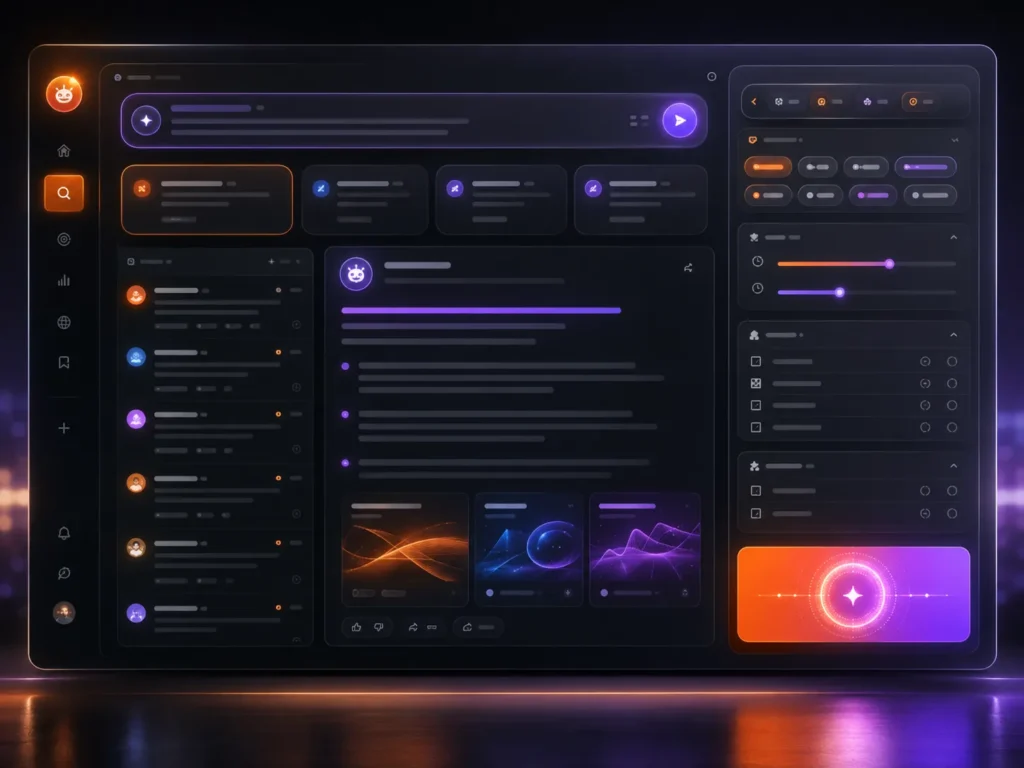
AI summaries are convenient, but traditional search is better when you are hunting for one post, a specific phrase or discussions from a defined period. Reddit lets you search posts, communities, comments, media and people, depending on the current interface.
Useful manual search filters include:
subreddit:to search inside a communityauthor:to find posts from a usertitle:to search post titlesflair:to search a category labelsite:to find links from a domainself:trueto show text postsselftext:to search the body of text postsurl:to search submitted links
You can combine filters. For example:
subreddit:apple title:"battery life" NOT beta
Boolean operators such as AND, OR and NOT must be capitalized. Quotation marks help with exact multi-word phrases, while parentheses make complex searches easier to control.
After searching, test different sorting options and time ranges. “New” is useful for active events, “Top” helps find highly rated discussions and “Relevance” is usually the best starting point for a targeted query.
Join Reddit communities without looking like a bot
Finding the right subreddit is only half the job. Every community has its own expectations, and ignoring them is the fastest way to have a post removed or receive unhelpful replies.
Step 5: Read before you post
Open the community rules, pinned posts and FAQ before asking a question. Many large subreddits already have weekly threads, buying guides, troubleshooting templates or restrictions on promotional links.
Spend a few minutes reading recent posts. Notice how titles are formatted, which questions receive good answers and whether members expect screenshots, specifications, location details or proof of previous troubleshooting.
On Reddit, context earns better answers than confidence.
A strong question explains what you are trying to do, what you have already tried and what kind of answer would help. A weak question forces other users to guess.
Instead of writing:
“Why is my PC slow?”
Write:
“My Windows 11 PC became slow after a graphics driver update. Task Manager shows low CPU usage but the disk reaches 100%. I restarted, checked storage space and disabled startup apps. What should I test next?”
Comment before creating your first big post
Commenting helps you understand the tone of a community with less pressure. Add a useful detail, answer a question you genuinely understand or ask a polite follow-up.
Avoid copying generic AI-written comments into multiple communities. Reddit users quickly notice vague, over-polished replies that do not respond to the specific discussion.
When you disagree, address the claim rather than attacking the person. Upvotes can reward useful contributions, but chasing karma usually produces worse participation than simply being helpful.
Use post flair and search existing threads
Post flair labels topics such as “Question,” “News,” “Guide,” “Discussion” or “Solved.” Tapping or selecting a flair can reveal similar posts, and searching old threads often answers your question immediately.
Searching first also helps you improve the final question. You can mention what older advice you found and ask whether it still applies in 2026.
Reddit hidden features worth using in 2026
Many users stay on the default Home feed and never explore the tools that make Reddit faster. These Reddit hidden features can dramatically improve everyday browsing.
The hidden advantage is organization: save what matters, hide what does not and search inside the conversation.
Step 6: Save, favorite and search inside conversations
Save valuable posts and comments instead of trying to remember where you saw them. Your saved area can become a personal library for tutorials, travel ideas, buying advice, recipes and troubleshooting solutions.
Favorite communities you open frequently. Then create custom feeds for broader themes, so you can switch between focused modes without joining or leaving dozens of subreddits.
Reddit also supports searching comments inside a specific post. This is useful when a discussion has hundreds or thousands of replies and you want to find mentions of a model number, country, error message or feature.
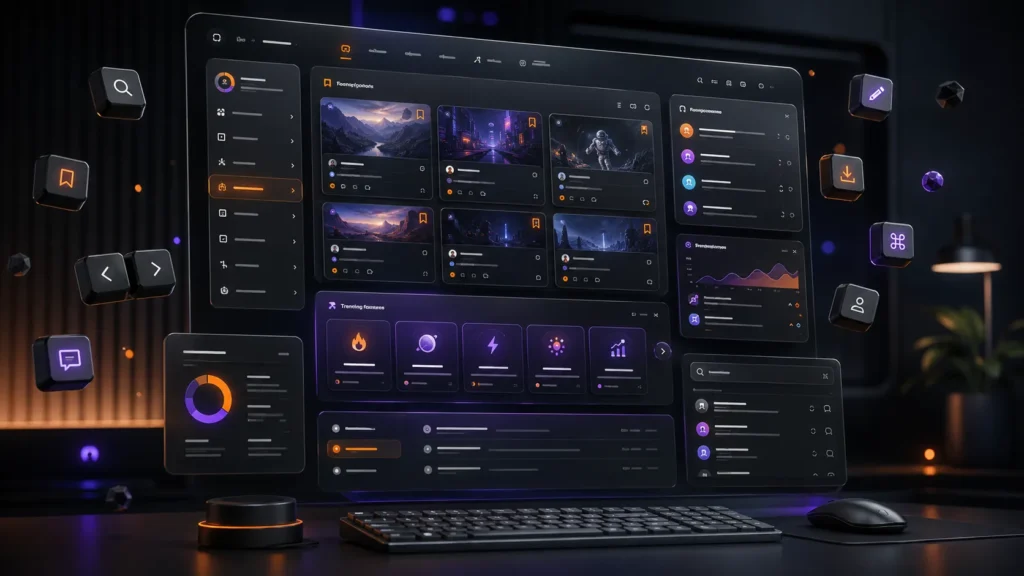
Use keyboard shortcuts on desktop
The latest desktop version of Reddit includes keyboard shortcuts for common actions. Examples include S to save or unsave, H to hide a post, Q to open or close navigation and C to create a post.
Shortcuts are especially helpful when you use Reddit for research. You can move through information faster and save the best material without constantly reaching for the mouse.
Check what is trending without scrolling endlessly
Tap or click the search bar to view recent search trends. Selecting a trend can open a page that combines relevant posts, communities and people, giving you a quick overview of what Reddit is discussing.
This can be useful during product launches, breaking news, entertainment events and major software releases. Still, trending does not mean accurate, so check original reporting and timestamps.
Hide posts you have finished reading
The hide option is underrated. Hiding finished or irrelevant posts cleans up repeat browsing and makes active feeds easier to scan.
On supported desktop interfaces, the H shortcut makes this almost instant. Save what you want to return to and hide what you do not need again.
Make Reddit safer and less distracting
Reddit becomes more useful when you actively shape what you see. The default feed is designed to keep finding content for you, but that does not mean every recommendation deserves your attention.
Step 7: Control recommendations and privacy settings
Home feed recommendations can include posts from communities you have not joined. If your feed feels random or distracting, open preferences on desktop or Personalized Recommendations in the mobile account settings and disable home feed recommendations.
Then review:
- Notification categories
- Personalized advertising choices
- Location customization
- Content visibility settings
- Blocked accounts
- Mature-content and Safe Search settings
- Chat and message permissions
Your Reddit feed improves when you remove signals you do not want the platform to learn from.
Be selective with upvotes, comments and community joins. These actions help shape recommendations, so interacting with rage bait or irrelevant posts can lead to more of the same.
Blocking is useful for repeated unwanted interaction, while reporting is appropriate for content that may violate Reddit or community rules. Do not use public arguments as your only safety tool.
Separate entertainment from research
Create custom feeds for different purposes. A focused “Research” feed can include expert communities, while an “Entertainment” feed can hold memes, games and casual interests.
This simple separation reduces accidental scrolling. It also helps you enter Reddit with a purpose instead of relying on whatever the Home feed chooses.
[INSERT IMAGE 4 HERE]
(Image: Reddit privacy controls protecting a calm, personalized feed)
Reddit tips 2026 for finding trustworthy answers
Reddit is valuable because it contains first-hand experiences, unpopular opinions and detailed niche knowledge. It is also full of guesses, outdated information, affiliate marketing, jokes and confident mistakes.
The safest approach is to treat every Reddit answer as a lead that still needs verification.
Use this quick verification routine:
- Check the date. Advice about software, laws, prices and products can expire quickly.
- Open the source discussions. Do not rely only on an AI summary or top comment.
- Compare communities. A hobbyist subreddit and a professional subreddit may see the same issue differently.
- Look for specifics. Useful answers often include models, versions, locations, measurements or personal experience.
- Notice incentives. Be cautious when an account repeatedly promotes one product, service or website.
- Verify high-stakes claims elsewhere. Use official or qualified sources for health, legal, safety and financial decisions.
Reddit can also help you understand how online creativity has changed in the AI era. For a fun comparison with the carefully edited visual illusions that shaped an earlier generation of internet video, read Before AI, We Had Zach King.
A simple 10-minute Reddit routine
You do not need to spend hours on Reddit to benefit from it. A short, intentional routine is more useful than endless scrolling.
Enter Reddit with one clear purpose and leave when that purpose is complete.
Try this:
- Spend two minutes checking your focused custom feed.
- Spend three minutes searching one question with Reddit AI search.
- Spend three minutes opening the cited discussions and comparing comments.
- Spend one minute saving useful posts.
- Spend one minute hiding noise and adjusting your feed.
This routine turns Reddit into a research and discovery tool. It also keeps the platform from consuming more time than the information is worth.
Frequently Asked Questions
How do I use Reddit AI search in 2026?
Type a complete question into Reddit’s search bar and select Ask to receive an AI-generated summary based on relevant Reddit posts and comments. Open the cited conversations and verify important details before acting on the answer.
Is Reddit Answers still a separate feature?
Reddit Answers was integrated into the main Reddit search experience on May 26, 2026. Users can now move between classic search results and the AI-powered Ask experience from the search flow.
How do I find good Reddit communities?
Search for a topic, open several related communities and compare their rules, activity, moderation and comment quality. Reddit’s Explore Communities feature and community suggestions can also help you discover relevant subreddits.
What are the best Reddit hidden features?
The most useful hidden or overlooked tools include custom feeds, community favorites, comment search, manual search operators, saved posts, trending searches and desktop keyboard shortcuts. These features make Reddit faster and much easier to organize.
Can I use Reddit without posting?
Yes. You can browse communities, search discussions, save posts and use many discovery features without publishing anything, although some personalization and AI-search limits may differ when logged out.
Conclusion: How to use Reddit 2026 without wasting time
Learning How to use Reddit 2026 is mostly about replacing passive scrolling with focused search, carefully chosen communities and a feed you control. Use Reddit AI search for quick orientation, classic filters for precision and original discussions for the context an automated summary can miss.
The platform is at its best when you ask detailed questions, respect community culture and verify important claims. Build a few custom feeds, learn the search operators and keep your privacy settings aligned with how you actually want to use Reddit.
Keep exploring: Read our Apple WWDC 2026 coverage, then bookmark tech-play.net for more practical technology guides and feature breakdowns.


[…] here. Real discussions often contain messy details that polished tutorials leave out. Our guide on how to use Reddit in 2026 explains how to find useful communities, search previous discussions, and evaluate AI-generated […]