
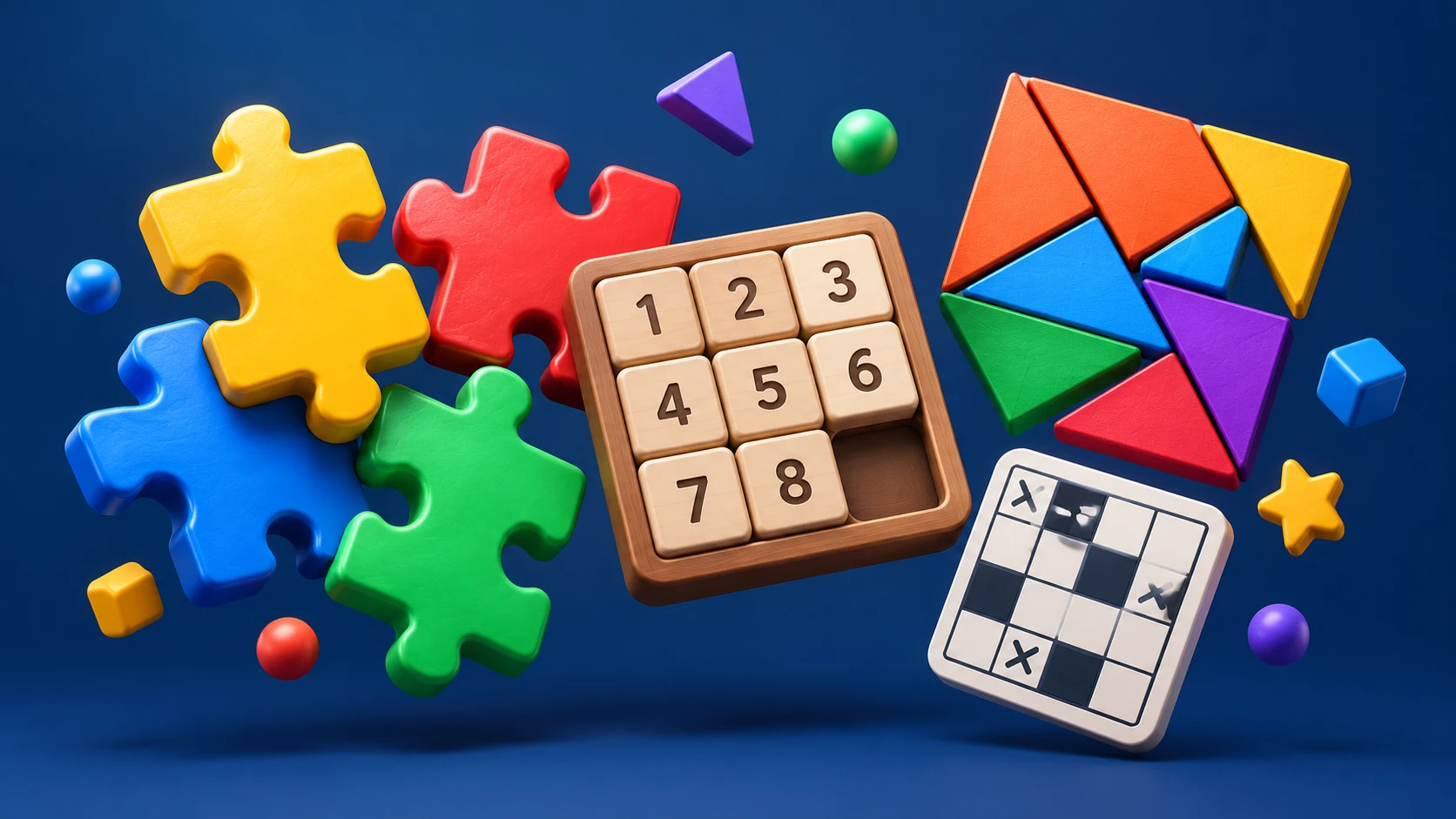
The best free puzzle games turn a spare moment into a satisfying problem: merge a few tiles, untangle a network, or work out where the next bridge belongs. For readers exploring Tech Play Games, these seven browser picks offer different ways to play without paying for the recommended web versions. Start with 2048 for quick decisions, 0h h1 for simple grid logic, or Bridges for a more deliberate challenge.
| Game | Our pick for | Main input |
|---|---|---|
| 2048 | Number strategy | Arrow keys |
| 0h h1 | Color logic | Click or tap |
| 0h n0 | Sightline clues | Click or tap |
| Bridges | Island connections | Click and drag |
| Light Up | Bulb placement | Click; right-click marks |
| Loopy | Loop drawing | Click; right-click excludes |
| Net | Network rotation | Left- and right-click |
These are editorial recommendations based on the games’ rules and documented browser editions, rather than a scored hands-on comparison. The controls above describe the linked versions. Android TV needs separate consideration, which we cover below.
How to choose the best free puzzle games for you
Pick the kind of decision you enjoy. If you like making a move and adapting to what happens next, try 2048. If you prefer proving that a square must have one particular answer, begin with 0h h1 or Light Up. Bridges, Loopy, and Net reward looking beyond a single clue to the shape of the whole board.
For the four Simon Tatham games in this list, use the current JavaScript links in the official puzzle collection. Its older Java applet links are described as obsolete. The current web editions use JavaScript and WebAssembly, so a browser that blocks those technologies may fail to load them.
1. 2048: a clear starting point for number strategy
In Gabriele Cirulli’s original 2048, matching numbered tiles merge when they touch during a move. Use the arrow keys to shift the board and work toward the 2048 tile. The premise is easy to explain, while choosing which direction to move gives you plenty to think about.
Choose this one when you want a simple objective rather than a long list of rules. The interesting question is whether a tempting merge helps your next few moves or leaves the board awkwardly arranged.
Beginner tip: Try keeping your largest tile near one corner as a starting strategy. Before moving, check what happens to the smaller tiles around it. Treat this as a useful experiment, not a guarantee of winning.
2. 0h h1: approachable logic with two colors
0h h1 uses three rules: avoid three identical colors consecutively in any row or column, give each row and column equal numbers of both colors, and keep every row and every column unique. Click or tap the changeable tiles to set their colors.
It is our pick for readers who like the structure of a grid puzzle but would rather work with colors than fill in numbers. The same small set of rules gives you several ways to check a move.
Beginner tip: Scan for two matching tiles beside each other. Their immediate neighbor must use the other color. Then check whether a row already contains its full allowance of one color before tackling the less obvious gaps.
3. 0h n0: count what each dot can see
Q42’s 0h n0 is a companion to 0h h1 with a different idea. Blue dots see other blue dots along their row and column; red dots block the view. Numbered blue dots specify how many other blue dots they must see, and every blue dot must see at least one. Click or tap to change the available cells.
This is a good next choice if you enjoy tracing consequences across a board. A red dot affects more than its own square because it changes the view from elsewhere.
Beginner tip: When a numbered dot already sees enough confirmed blue dots, inspect the ends of those sightlines. Ask where a red blocker must go to stop additional blue dots from becoming visible.
4. Bridges: connect every island without crossings
In Bridges, join numbered islands using horizontal or vertical bridges. Under the default rules, two islands can share one or two bridges. Bridges cannot cross, each island must receive its stated total, and all islands must belong to one connected network.
Drag from an island toward another in the same row or column to add a bridge. Repeat to make it double; repeat again to remove it. This is our pick for players who enjoy planning connections rather than filling individual cells.
Beginner tip: Start with islands that have few possible neighbors. Count a double bridge as two at both ends, and avoid finishing a small isolated group while other islands still need to join the network.
5. Light Up: make every square bright
Light Up asks you to place bulbs so every blank square receives light. Each bulb illuminates its row and column until a black wall blocks it. Bulbs must not shine on one another, and numbered walls require exactly that many bulbs in the squares directly beside them.
Click to place or remove a bulb. Right-click to mark a square where you believe no bulb belongs. Choose this game if you like seeing a single placement change several parts of the board.
Beginner tip: Look for a wall marked zero. Its edge-adjacent squares cannot contain bulbs, though they still need illumination from elsewhere. Marking those exclusions can make the next placement easier to spot.
6. Loopy: build one continuous answer
In Loopy, select grid edges to form a single closed loop. Each numbered square tells you how many of its surrounding edges must belong to that loop. Click an edge to include it; right-click to mark it as excluded. Repeating either action returns the edge to undecided.
The appeal is watching small deductions join into a larger route. Satisfying a number is only part of the job: the finished lines must still form one loop.
Beginner tip: Begin with zero clues, whose surrounding edges must all be excluded. Follow the consequences into neighboring squares, and check that you are not closing a separate little loop before the rest of the puzzle is resolved.
7. Net: rotate a scrambled network into place
Net gives you tiles containing network segments. Rotate them until every square connects to the central source in a single network without loops. Squares light up when connected to the center, giving a visible indication of your progress.
Left-click rotates a tile anticlockwise; right-click rotates it clockwise. Shift-left-click locks a tile you want to preserve. Choose this for a visual challenge with a simple action at its core.
Beginner tip: Start with a non-wrapping board and inspect the outer edges. A connection pointing off the board cannot help there. Once you are comfortable, the Type menu offers wrapping variants where connections can continue across opposite edges.
Can you play these puzzle games on Android TV?
Browser availability does not establish Android TV compatibility. Google’s TV hardware guidance explains that TVs generally lack touchscreens and typically rely on D-pad remotes. A phone’s tap controls, a computer’s right-click, and a TV remote are different ways of interacting.
None of these seven browser editions has been verified here on physical Android TV hardware. Even 2048’s arrow-key controls do not prove that a television browser will send remote inputs to the game correctly. Before settling in, check whether your device can load the page, select the board, make every required move, and restart.
If your priority is playing from the sofa, consult our free games for Android TV guide as a separate starting point. Confirm current availability and controls on your own device before installing anything.
Which game should you open first?
Start with 0h h1 if you want deductions built around a few clear rules, 2048 for repeated move-by-move decisions, or Bridges for planning a connected solution. Try Light Up, Loopy, Net, and 0h n0 when you want a different way to reason through a board.
For more Tech Play Games reading, our free online games without download guide covers the broader browser-gaming topic. Keep this shortlist handy and choose one puzzle at a time: learning its controls and rules is more useful than opening seven tabs at once.
Sources
- Gabriele Cirulli: original 2048 and instructions
- Q42: 0h h1 rules and browser game
- Q42: 0h n0 rules and browser game
- Q42: 0h h1 browser input implementation
- Q42: 0h n0 browser input implementation
- Simon Tatham’s Portable Puzzle Collection
- Bridges: official browser edition and controls
- Light Up: official browser edition and controls
- Loopy: official browser edition and controls
- Net: official browser edition and controls
- Android Developers: Handle TV hardware


[…] square.” If you cannot finish the explanation, look for another clue before guessing. Our free puzzle games guide has more options for readers who prefer this kind of […]