
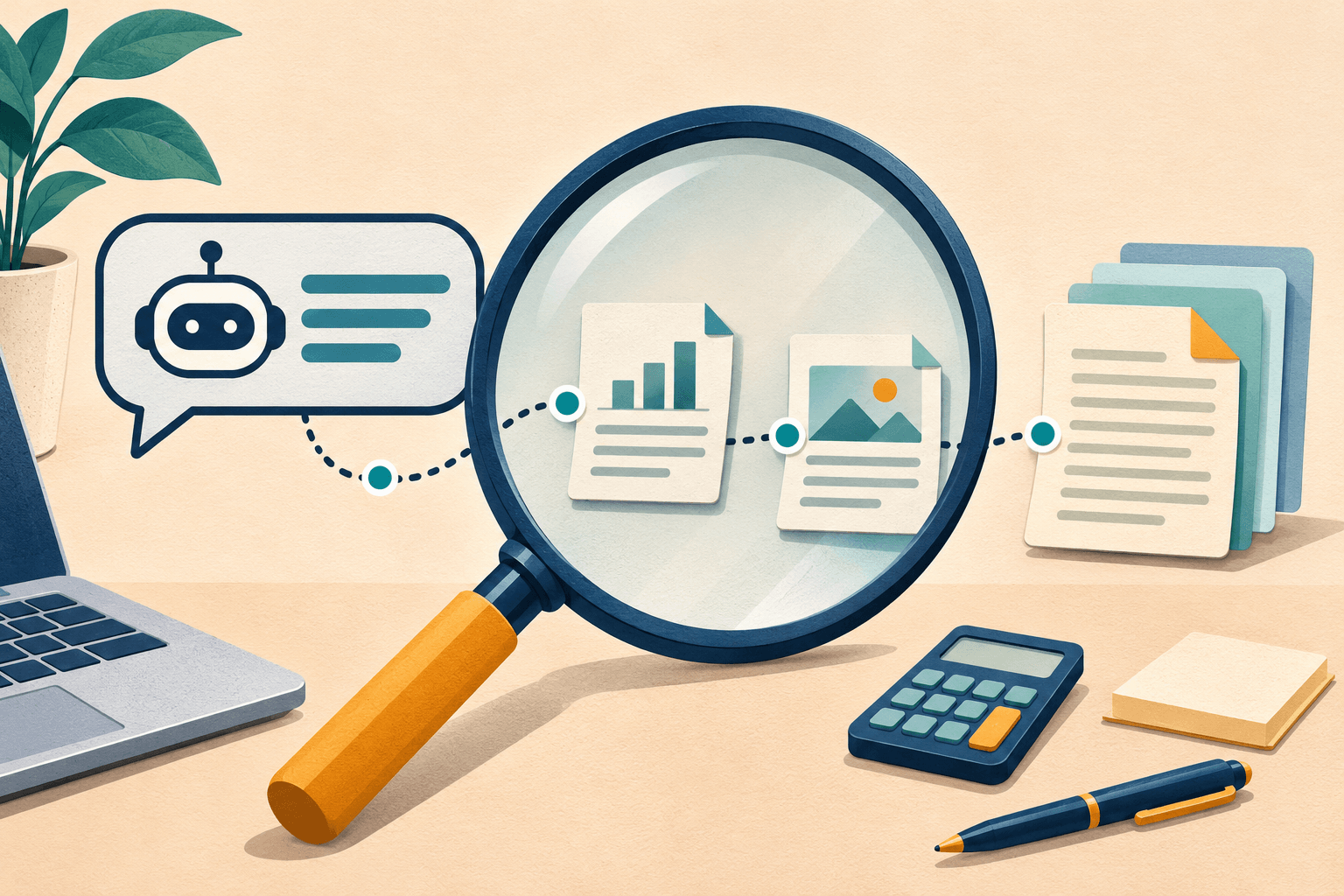
Before you rely on an AI answer, isolate the claim that matters, find an authoritative source outside the chat, and check whether it supports the exact wording. Then check the date, your circumstances and any numbers. If the evidence is missing, keep the claim unverified.
That is the core of how to fact check AI answers. You do not need to investigate every suggestion equally: a made-up game idea and a command that could erase your files deserve different levels of scrutiny.
Research checked: 3 November 2026. This is a desk-researched practical guide. Examples described as hypothetical are constructed teaching examples, not recorded chatbot responses or product tests.
1. Pick the claim that could change your decision
Start with the consequence. What would you buy, repeat, install or change because of this answer?
Underline the specific facts behind that decision: a model number, release date, eligibility rule, quoted statement or compatibility promise. Turn a long answer into a short list of things you can actually check.
For example, "This is a great app for travelling" is a judgment. "Its offline maps are included in the free plan in your country" contains checkable claims. Verify the plan and country before downloading maps for a trip.
Use this practical priority order:
- Creative suggestions: judge whether they are useful; verify any factual details you reuse.
- Purchases and technical instructions: check the details that determine cost, compatibility or the effect of an action.
- Health, legal, financial or safety decisions: use the answer to prepare questions, then verify with the relevant qualified professional or responsible authority before acting.
AI can present false information confidently, including invented supporting citations. The NIST Generative AI Profile, section 2.2 documents this problem, often called hallucination or confabulation. A polished explanation is a reason to read carefully, not a reliability rating.
2. Leave the chat and trace the source
Ask the assistant for a source if none is provided, but treat the result as a lead. Open it yourself. Check who publishes it and whether you have reached the actual document rather than a search snippet or another summary.
Choose a source that can establish the claim:
- For an app feature, open the developer’s support page, release notes and plan details.
- For hardware compatibility, find the manufacturer’s documentation for the exact model and revision.
- For a research claim, find the original paper and examine what it studied.
- For a rule or deadline, check the responsible authority and the jurisdiction it covers.
For citations, do two separate checks: does the source exist, and does it say what the answer claims? A real article with a matching title can still be irrelevant to the sentence beside its link. If a citation is broken, search its exact title and author on the publisher’s site or in a library catalog. Failure to find it leaves it unverified; it does not by itself prove fabrication.
Penn Libraries’ guidance on evaluating AI outputs recommends checking outside the original answer and reading cited material in context. It warns that a citation may support only part of a claim, or none of it.
3. Match the wording, date and scope
Find the passage that supports your claim, then read the surrounding section and its footnotes. Watch for small words that change the meaning: "up to," "selected," "beta," "planned" and "requires."
An announcement that a feature is coming does not establish that you can use it today. Before relying on availability, check the country, subscription tier, device, software version and rollout stage. A page’s update date is also different from the date of the event it describes.
For performance claims, distinguish a vendor’s promise from a measured result. A product page can establish what the maker advertises; look for a transparent test method before treating a speed or battery-life claim as demonstrated performance. Several articles repeating one press release are still drawing on one underlying source.
When sources disagree, write down the disagreement. Check whether they cover different versions, dates or regions before choosing between them. If you cannot resolve it, narrow the claim or leave it open.
Worked example: does the connector guarantee the speed?
Consider this hypothetical AI answer: "Every USB Type-C® cable supports USB4 speeds."
The word "every" makes this a universal compatibility claim. Search for the standards body’s explanation, then open USB-IF’s cable and connector language guidelines. Page 3 distinguishes the connector from USB4 and explains that support for USB4 is optional. It also describes cables that support only USB 2.0 data operation.
Verdict: contradicted. The connector shape alone does not establish the data capability. Before choosing a cable for a specific device, check its listed data specification and the device’s requirements.
Notice what this check achieved: one authoritative document was enough to reject the universal statement. It did not establish the performance of any particular cable. That would need evidence about that product.
4. Recalculate numbers and inspect instructions
For arithmetic, use a calculator or spreadsheet and check the inputs as well as the result. Correct multiplication cannot rescue the wrong price or unit.
Here is a constructed calculation example: an answer says that reducing a subscription from 20 to 15 currency units per month saves 33%. The saving is 5; divide by the original 20 to get 25%. Dividing by 15 answers a different question: how much higher the old price was relative to the new one.
For technical steps, compare the instructions with documentation for your exact operating system or app version. Before running a command, establish what it changes and which files or accounts it affects. For anything that could overwrite or delete data, work on a copy or arrange a recoverable backup first. If you cannot explain the command’s effect, pause and get help.
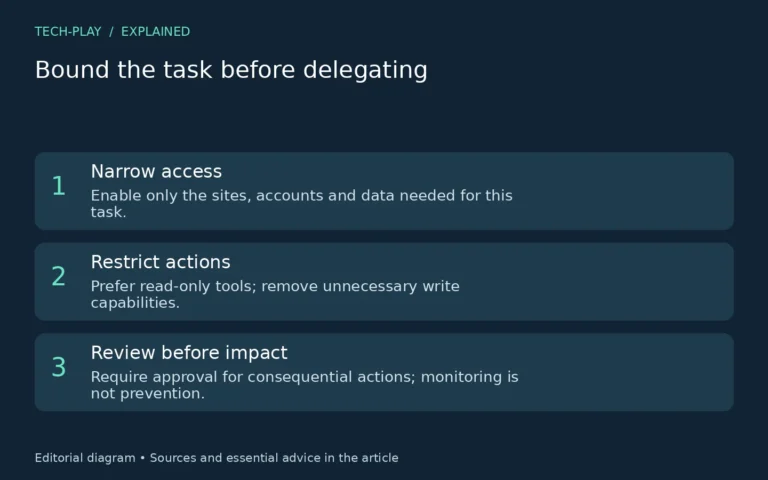
If an assistant takes actions for you, also inspect the resulting file, setting or confirmation. Our AI agents explainer covers delegated actions and permission checks in more detail.
5. Record a verdict you can defend
A useful fact check ends with a decision about each important claim. Use three labels:
- Supported: the evidence matches the claim and applies to your situation.
- Contradicted: reliable evidence conflicts with the claim; correct or discard it.
- Unverified: evidence is missing, inaccessible, ambiguous or outside the source’s scope.
Keep a short note: Claim; source URL and relevant passage; date checked; limits; verdict. For the cable example, the limit is that the standards document settles the general claim, not a particular product’s capabilities.
Do not turn "I couldn’t verify this" into "this is false." Equally, do not let a confident answer fill the evidence gap. For a consequential decision, an unverified critical claim is a reason to stop and investigate further.
A prompt that helps organize the check
You can ask an assistant to make the answer easier to inspect:
List the factual claims in your answer that could affect my decision. Separate facts from recommendations. For each factual claim, give the original source URL and identify the relevant passage, date and limitations. Mark anything you cannot substantiate as unverified.
This prompt creates a checklist; you still need to open the sources. If you consult another assistant, use its response to find evidence or counterarguments. Agreement between answers is not the source itself.
For your next AI answer, start with the single claim that matters most. Save the supporting passage and your verdict before you act on it.


[…] For a repeatable verification method, use our guide to checking AI answers before trusting them. […]
[…] an AI assistant recommends a converter or a codec download, use our AI answer verification checklist to trace the claim to the actual publisher before installing […]
[…] maker’s setup docs. For a compatibility claim you got from a shopping chatbot, use Tech-Play’s guide to fact-checking AI answers to trace it back to the exact device and […]