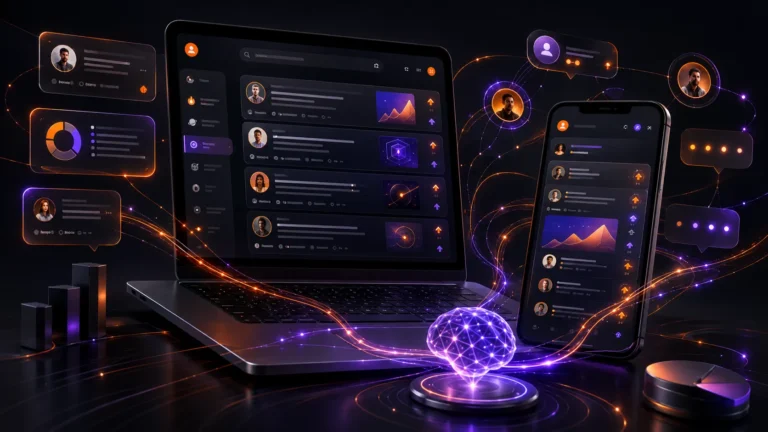
Your phone is changing.
Not just with a better camera, a brighter screen, or a faster chip. In 2026, the real upgrade is happening quietly in the background: AI is moving deeper into your smartphone.
The next big thing is not just another chatbot app. It is the smartphone AI assistant built into the phone itself.
AI Is Moving From Apps Into Your Phone
For the last few years, most people experienced AI through separate apps. You opened ChatGPT, Gemini, Copilot, or another AI tool, typed a question, and waited for an answer.
That was only the beginning.
Now AI is starting to move directly into the phone experience. On iPhone, Apple Intelligence is designed to help with writing, summaries, photos, notifications, and everyday tasks. On Android, Gemini is becoming more connected with Google apps, voice commands, files, messages, and the screen you are looking at.
That means AI is no longer something you “open.”
It becomes something your phone can use while you are already doing normal things.
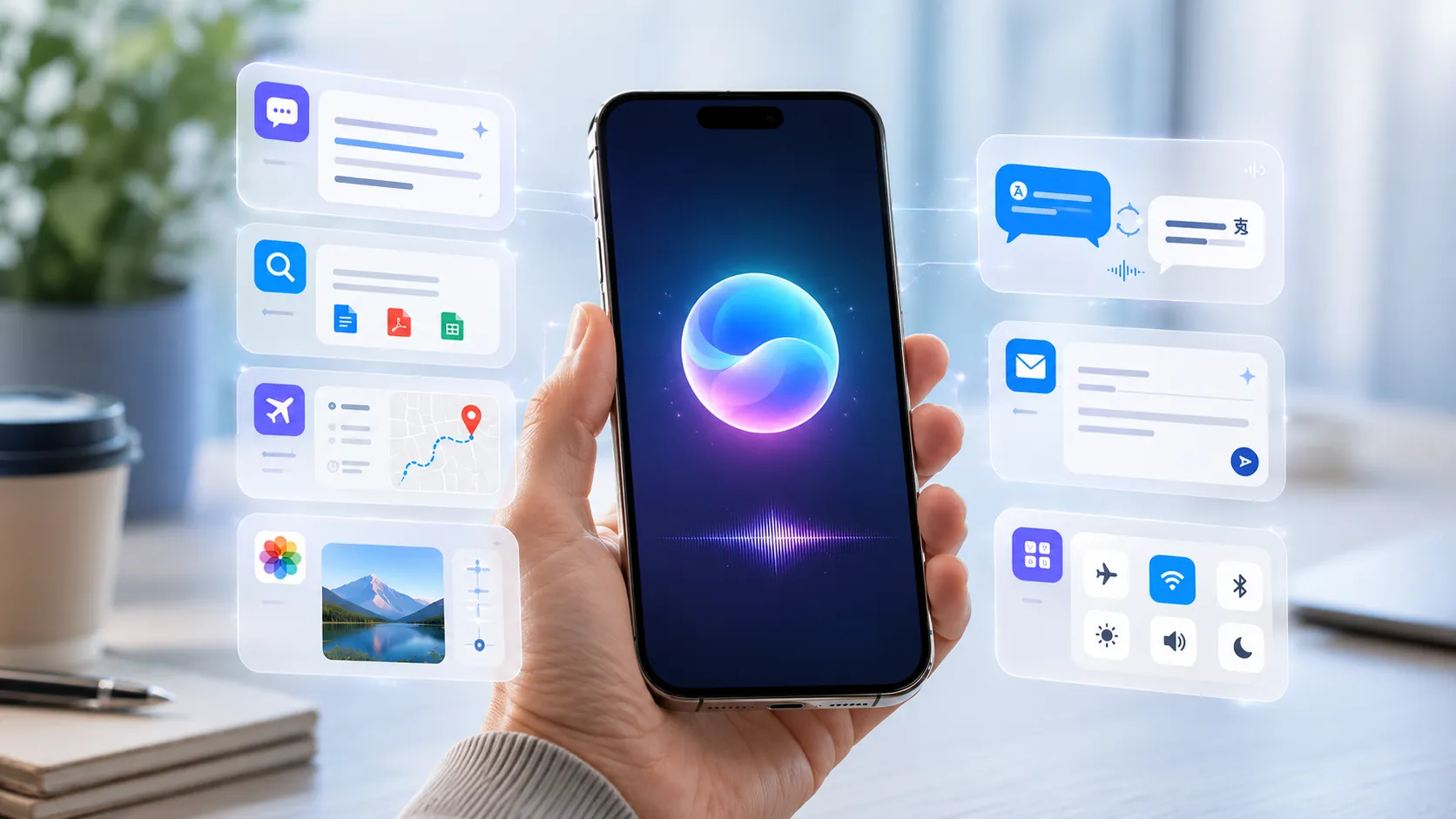
You write a message, and AI helps you make it clearer. You receive a long email, and AI summarizes it. You look at a photo, and AI helps edit it. You ask your phone to find a document, and it understands what you mean.
This is why AI phone 2026 is becoming such an important topic. The future of smartphones is not only about hardware anymore. It is about how smart the phone becomes around your daily life.
What Your AI Phone Could Do for You
Imagine this.
You wake up and your phone gives you a short summary of important messages instead of forcing you to scroll through 30 notifications.
You ask, “What did Jane send me about the weekend plan?” and your phone finds the right chat, pulls out the key information, and gives you a quick answer.
You need to write a professional email, but your brain is tired. Your smartphone AI assistant can turn your rough notes into a clean message.
You are planning a trip. Instead of jumping between Maps, weather apps, hotel sites, notes, and messages, your AI assistant could help organize the plan in one place. It could suggest routes, remind you about documents, translate signs, and help you compare options.
You are searching for a file but forgot the name. Instead of scrolling through folders, you ask, “Find the PDF about the app update from last month.” The assistant checks your files, emails, or cloud storage and finds it.
You take a photo that is almost perfect, but someone is standing in the background. AI photo tools can help remove distractions, improve lighting, or create a cleaner version in seconds.
You are traveling and someone speaks another language. Your phone could translate the conversation in real time, making normal communication much easier.
These are not only “cool tech demos.” These are real-life AI productivity tools that can save time every day.
And this is where AI apps become more powerful. Instead of staying separate, they start connecting with the apps you already use: email, calendar, notes, photos, browser, maps, messages, and productivity tools.
Why This Matters for Everyday Users
Most people do not care about artificial intelligence as a technical topic.
They care about simple things:
Saving time.
Understanding information faster.
Writing better messages.
Finding things quickly.
Doing annoying tasks with less effort.
That is why iPhone AI and Android AI matter. Not because everyone wants to become a developer or AI expert, but because phones are already the center of daily life.
Your phone knows your calendar. It receives your messages. It stores your photos. It connects to your work, family, travel, payments, and entertainment.
When AI becomes part of that system, the phone becomes more like a personal helper.
For students, it can summarize notes and explain difficult topics.
For parents, it can help organize appointments, school messages, shopping lists, and family plans.
For workers, it can write emails, summarize meetings, and find documents faster.
For creators, it can help edit photos, generate ideas, write captions, and organize content.
For travelers, it can translate, plan routes, and explain local information.
The big advantage is convenience. You do not need to learn complex software. You just ask in normal language.
That is the real shift.
The phone becomes less like a device full of buttons and more like something you can talk to.
The Big Question: Helpful Assistant or Too Much Control?
Of course, there is another side.
If your phone becomes more intelligent, it also needs access to more personal information to be useful.
Messages, emails, photos, files, location, calendar, app activity — this is sensitive data.
That makes privacy a major topic in the future of smartphones. A helpful AI assistant needs context. But users need control.
People should be able to decide what the AI can access, what stays private, what is processed on the device, and what is sent to the cloud.
There is also the question of trust.
Should your phone suggest what message to send?
Should it decide which notifications are important?
Should it control apps for you?
Should it remember your habits?
For some people, this will feel amazing. For others, it may feel uncomfortable.
And honestly, both reactions make sense.
The best version of AI on phones should not replace your decisions. It should reduce boring work and help you move faster.
A good smartphone AI assistant should feel like a smart helper, not a boss.
That is the line companies like Apple, Google, Samsung, and app developers will have to respect.
The AI phone 2026 trend is only the beginning. In the next few years, we may stop thinking of AI as a separate app and start seeing it as a normal part of how phones work.
Your iPhone or Android device will not just wait for taps.
It will understand, summarize, translate, edit, suggest, organize, and help.
Most people do not fully realize it yet, but the phone in your pocket is slowly becoming much more than a phone.
It is becoming your everyday AI assistant.
What do you think: would you trust an AI assistant to control more of your phone, or should AI stay inside separate apps?