
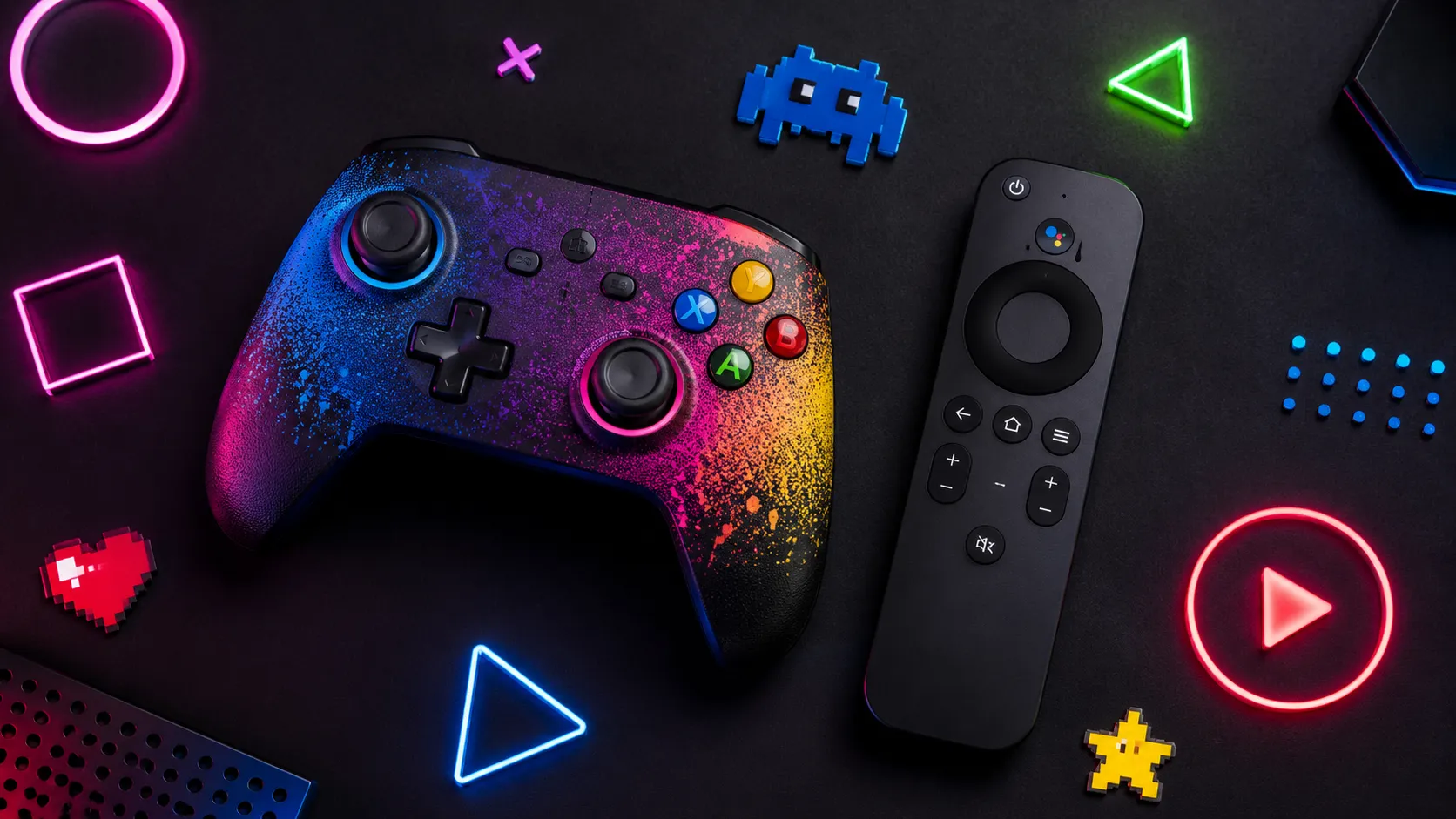
Your Android TV is probably better at gaming than you think.
Most people use it for Netflix, YouTube, Disney+, and maybe some live TV. But hidden inside the Google Play Store is a surprisingly fun little world of games that work right from the couch — and no, you do not always need a PlayStation controller, Xbox controller, or weird Bluetooth gamepad to enjoy them.
That is the key. For casual TV gaming, the biggest barrier is not graphics or storage. It is controls. If a game needs two analog sticks, six buttons, and perfect timing, most people will never bother. But if it works with the simple TV remote already in your hand? Suddenly your TV becomes a mini console for quick racing, puzzles, arcade fun, and family games.
Google Play Games on Android TV has expanded a lot in 2026, and while not every title is perfect, there are now enough free remote-friendly games to make your living room a lot more fun.
Here are some of the best free Android TV games you can play without a controller.
1. Crossy Road
Crossy Road is basically the king of simple TV gaming. You guide a chicken, animal, robot, or other silly character across roads, rivers, train tracks, and endless danger. It is easy to understand in five seconds: move forward, dodge cars, do not fall in the water.
That is exactly why it works so well on Android TV. The controls are simple enough for a TV remote, the graphics look bright and clean on a big screen, and it has that “one more try” energy that makes everyone in the room want a turn. Kids can play it, adults can play it, and nobody needs a tutorial.
A controller is not required at all. It can make movement feel a little smoother, but honestly, Crossy Road is one of those games where the TV remote feels totally natural.
2. Orbia
Orbia is a clean, stylish arcade game where you jump from one circle to another while avoiding moving enemies. It looks simple, but timing is everything. You wait, tap, jump, and hope you do not crash into something at the worst possible moment.
On a big screen, Orbia feels surprisingly polished. The colors pop, the animations are smooth, and the gameplay has a relaxing-but-tense rhythm. It is not loud or chaotic. It is the kind of game you can play for five minutes while waiting for a movie to start — and then somehow you are still playing 30 minutes later.
The TV remote works well because the game is built around simple inputs. A controller may make it feel a little more premium, but it is absolutely not necessary.
3. Red Ball 4
Red Ball 4 is a family-friendly platformer where you roll, jump, and bounce through levels while avoiding enemies and solving simple physics puzzles. Think classic side-scrolling fun, but with a cute red ball instead of a complicated hero with 27 abilities.
This one is great on TV because it feels like an old-school console game. The levels are colorful, the goal is clear, and the gameplay is easy enough for kids but still fun for adults who like platformers. It also has that “pass the remote” feeling, where one person gets stuck and someone else immediately says, “Give it here, I can do it.”
A controller can definitely make Red Ball 4 better, especially for more precise jumping. But for casual play, the TV remote is enough to get started and enjoy it.
4. Beach Buggy Racing
Beach Buggy Racing is one of the best free racing games for Android TV because it feels big, colorful, and immediately fun. You race across tropical tracks, collect power-ups, crash into rivals, and try not to drive like a shopping cart with a rocket attached.
Racing games are perfect for the TV because they just feel more exciting on a large screen. The tracks are bright, the cars are cartoonish, and the power-ups make it feel more like Mario Kart-style chaos than serious racing simulation.
Can you play it with a TV remote? Yes, on compatible Android TV setups it is one of the better casual racing options. Is it better with a controller? Also yes. Racing is always more comfortable with proper buttons or a gamepad, but Beach Buggy Racing is still one of the first games I would try if you want free racing on Android TV.
5. Asphalt 8
Asphalt 8 is the “big” racing game on this list. It has fast cars, dramatic jumps, flashy tracks, and a much more premium mobile-game feeling than many other free TV games.
On Android TV, Asphalt 8 can look seriously impressive. This is the game you try when you want to show someone that your TV can do more than stream shows. It is fast, bright, and full of ridiculous arcade racing energy.
However, this is also where the controller question matters. You may be able to navigate and play depending on your TV/device setup, but Asphalt 8 is simply better with a controller. If you only have a remote, it can still be worth testing because it is free — but if you really enjoy it, a cheap Bluetooth controller will make the experience much better.
6. PBA Bowling Challenge
Bowling is a perfect TV game because everyone understands it. PBA Bowling Challenge gives you a straightforward bowling experience with power, direction, spin, and progression. It is not trying to be some ultra-serious sports simulator. It is just easy couch gaming.
On a big screen, bowling works nicely because it feels social. You can play a few rounds with family, compete for scores, or just enjoy a casual game without needing fast reflexes. It is also much less intimidating than a racing game or platformer for people who do not normally play games.
A controller is not really needed here. The TV remote fits the slower pace well. That makes PBA Bowling Challenge one of the better picks for families or casual players who want something simple.
7. Minion Rush
Minion Rush is an endless runner based on the Despicable Me universe, and it is exactly what you expect: colorful, silly, fast, and full of cartoon energy. You dodge obstacles, collect bananas, and try to survive as long as possible.
This kind of game works well on TV because it is instantly understandable. You do not need to read long menus or learn complicated controls. The big-screen effect also helps because the game is visually busy in a fun way — especially for kids.
A controller can help if you want more comfortable movement, but Minion Rush is designed around simple actions, so it is still a good casual Android TV pick.
8. Hungry Shark Evolution
Hungry Shark Evolution is a slightly chaotic arcade game where you control a shark, swim around, eat things, grow stronger, and cause absolute underwater nonsense. It is not exactly calm, but it is very entertaining.
On a TV, the game becomes more fun because the ocean environments and shark action feel larger and more dramatic. It is one of those games that makes people stop and watch for a minute because something ridiculous is always happening.
The remote can work for casual play, but this is another game where a controller may improve the experience. Movement-heavy games always feel better with a proper stick. Still, for free big-screen fun, it is worth trying.
Bonus: Cloud Gaming on Android TV
If you want bigger games — the kind that normally run on a console or PC — cloud gaming is the bonus route.
GeForce NOW is one of the best options to check because it supports Android TV devices and has a free tier in many regions. You stream games from the cloud instead of installing them locally. The catch is that you usually need a good internet connection, and many games require a controller or keyboard/mouse setup.
Xbox Cloud Gaming is also expanding across TVs, especially on select Samsung, LG, Fire TV, and other supported devices. But this is not the same as “free Android TV remote gaming.” You usually need a Game Pass subscription for the full library, and you will need a compatible controller. Some free-to-play titles are available through Xbox Cloud Gaming, but again, this is more console-style gaming than remote-only casual gaming.
So think of cloud gaming as the next level. Great if you want serious games. Not ideal if your goal is quick couch fun with only the TV remote.
Quick Tip: How to Find Hidden Android TV Games
Here is the annoying truth: the Android TV Play Store does not always show every game clearly. Some games appear in search, some show only under categories, and some are easier to find from a phone or computer.
Try this:
Open Google Play on your phone or browser, search for the game name, then check whether it supports your Android TV device. You can also search directly on the TV for terms like “racing,” “arcade,” “puzzle,” “bowling,” “platformer,” or “TV games.”
Also look for games with simple controls. If a game is based on tapping, swiping, timing, or basic movement, it has a better chance of working well with a remote. If it looks like a console shooter, assume you need a controller.
Your TV is already a gaming machine. You just need the right games — and for casual fun, the best ones are often the simplest.

[…] options through trusted app stores and verified platforms. For example, Tech-Play has a guide to the best free games for Android TV in 2026 that focuses on easy, accessible game ideas without pushing risky APK […]
[…] For more information about gaming directly on a television, read our guide to free Android TV games without a controller. […]
[…] ideas to investigate next, see Tech-Play’s Android TV games you can play without a controller. Check each game’s current listing before […]